🧭
Overview, Navigation & Settings
Login and branding, the home screen and navigation bar, menus and module groups, settings, printer and sync
Clock in, issue invoices, count stock and follow up customer visits — from the phone, in Arabic and English, and it works even offline

Nama Mobile is the mobile front end for the Nama ERP system. It connects to the same ERP server the back-office team uses, putting in each employee's hands what they need in the field: the employee clocks in and tracks their leave balance, the rep writes invoices at the customer's site, the warehouse keeper pulls items by barcode, the maintenance technician documents their visits, and the driver executes the delivery and captures the customer's signature.
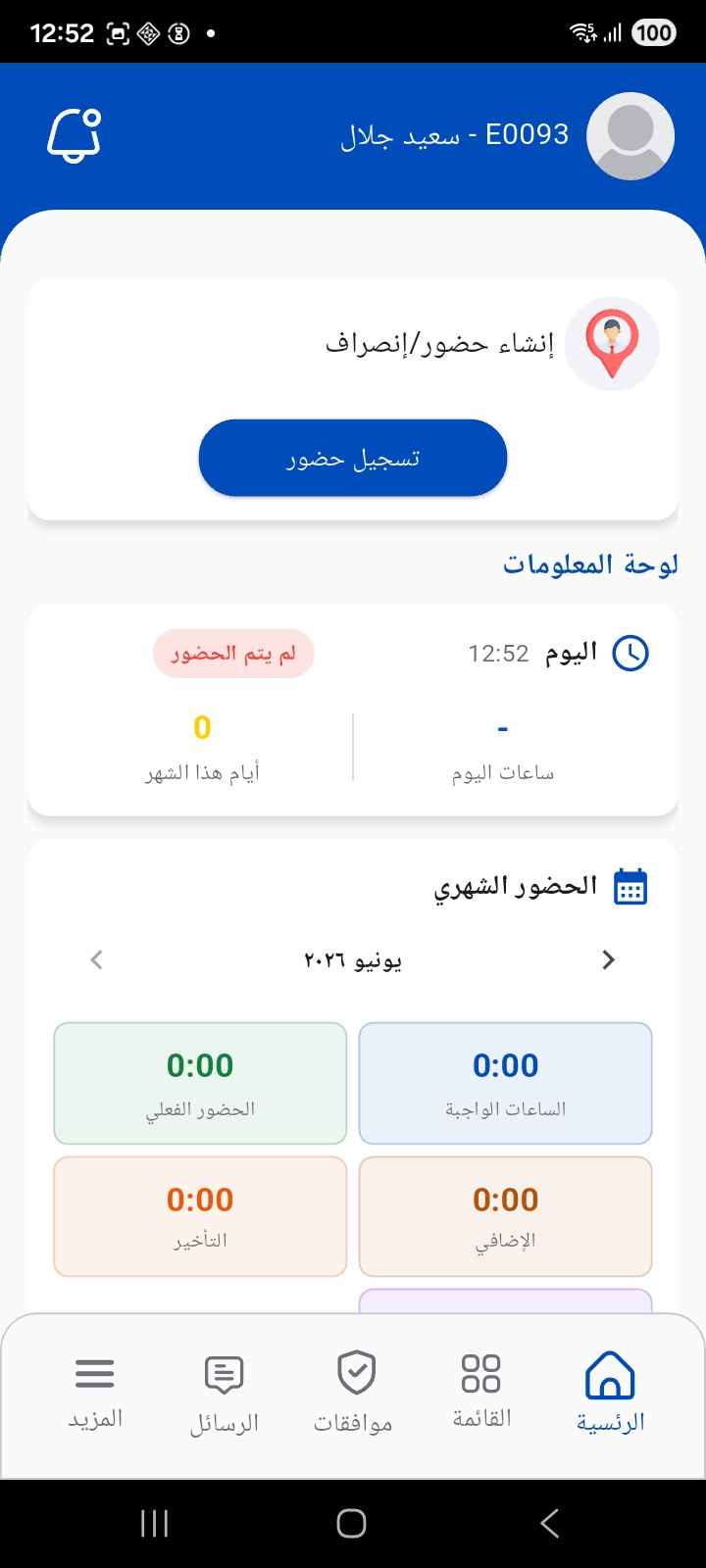
Start with the Overview, Navigation & Settings page to understand login, the home screen and navigation, then move to the page that fits your role from the cards above.