
Customer Service, Delivery & Receipts
Besides sales and inventory, the app serves the other field teams: the customer-service rep who logs visits, the maintenance technician, the delivery driver, and the collector who issues receipt vouchers at the customer's site.
Customer visits
The visit screens appear under the Customer Service group:
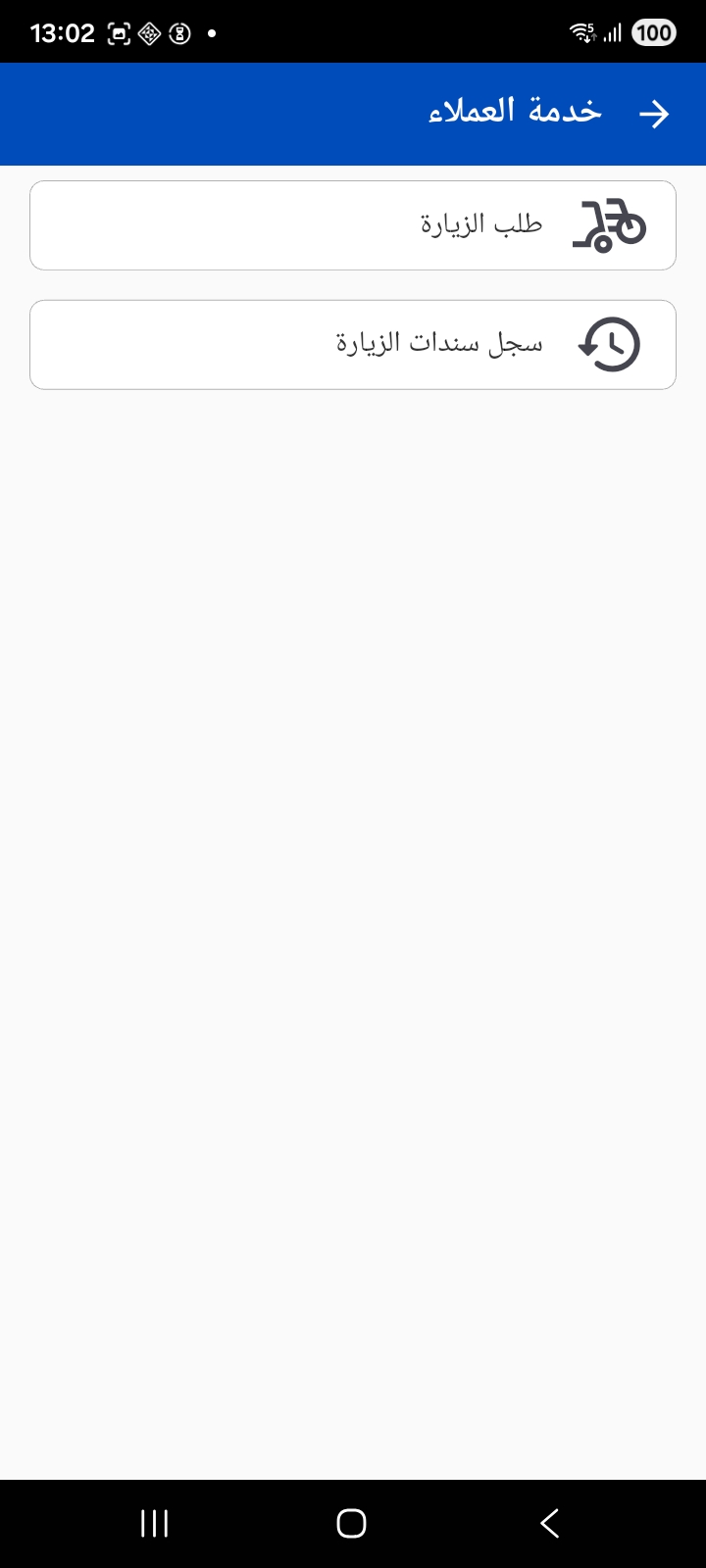
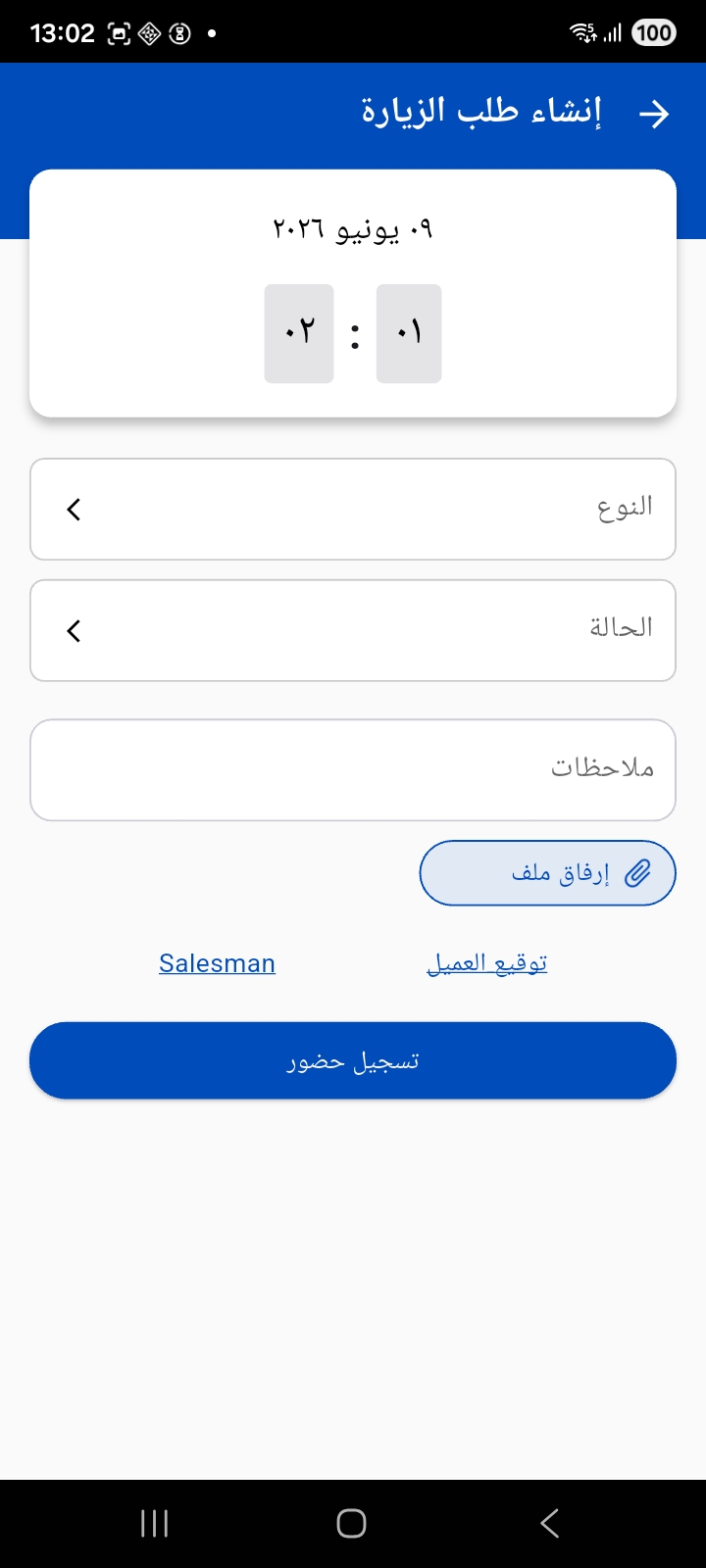
When creating a visit request the rep logs their visit to the customer: they set the type and state and add notes, and can attach a file, capture the customer signature and rep signature, then check in to the visit and later check out. The app captures the visit's time and location.
From the visit voucher log the rep follows up their previous visits. The organization can prevent opening a new visit while there is still an open visit that hasn't been closed yet.
Maintenance and questionnaires
For maintenance teams, the app supports following up maintenance notices and orders, and logging maintenance visits with the spare parts used and the customer and technician signatures. It also supports questionnaires to collect customer feedback via ready-made question templates with signature capture.
Questionnaires
The Questionnaire screen lets you choose a questionnaire template and a customer, then fill in the questions and collect the customer and rep signatures before submitting.
Delivery
The delivery module serves delivery drivers and reps, and its screens appear under the Shipping group or the Delivery module depending on the configuration:
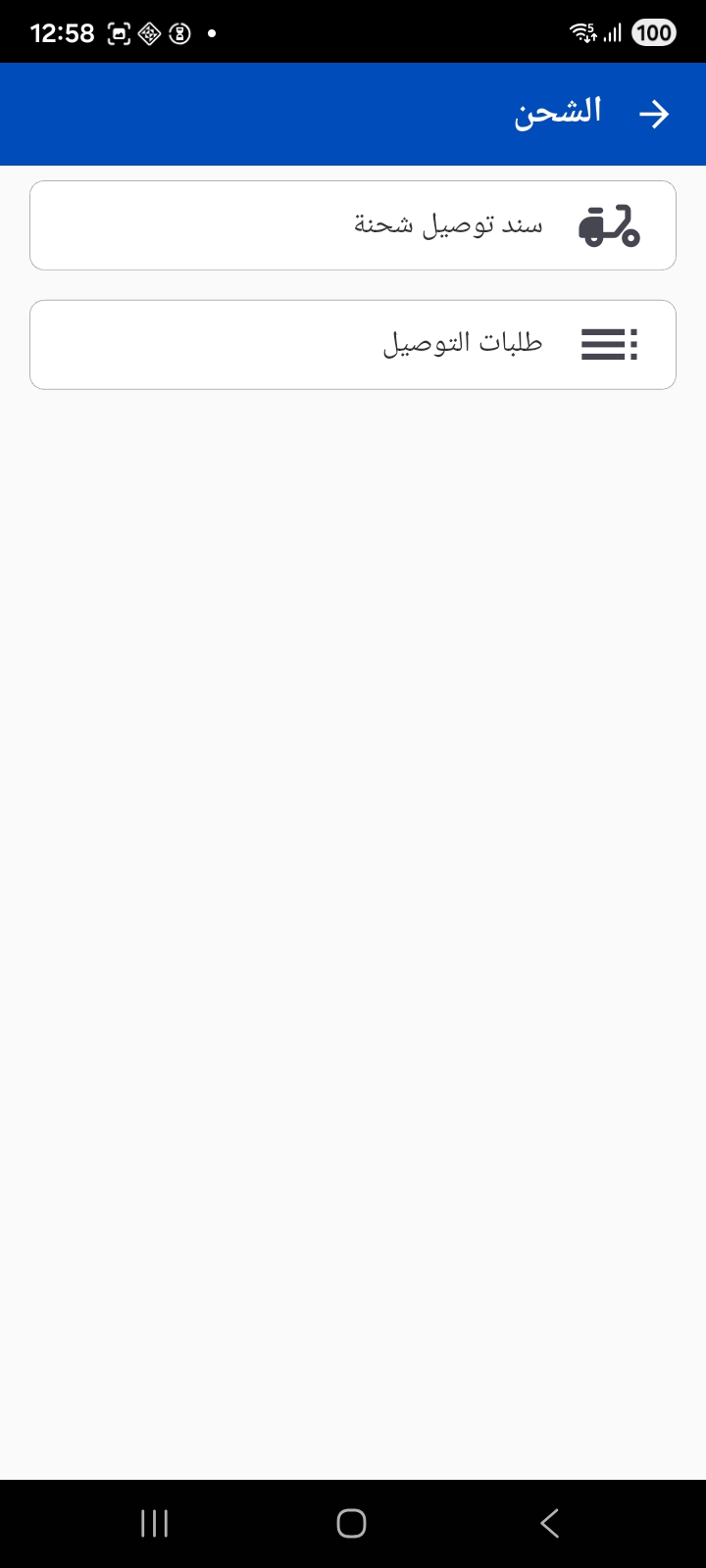
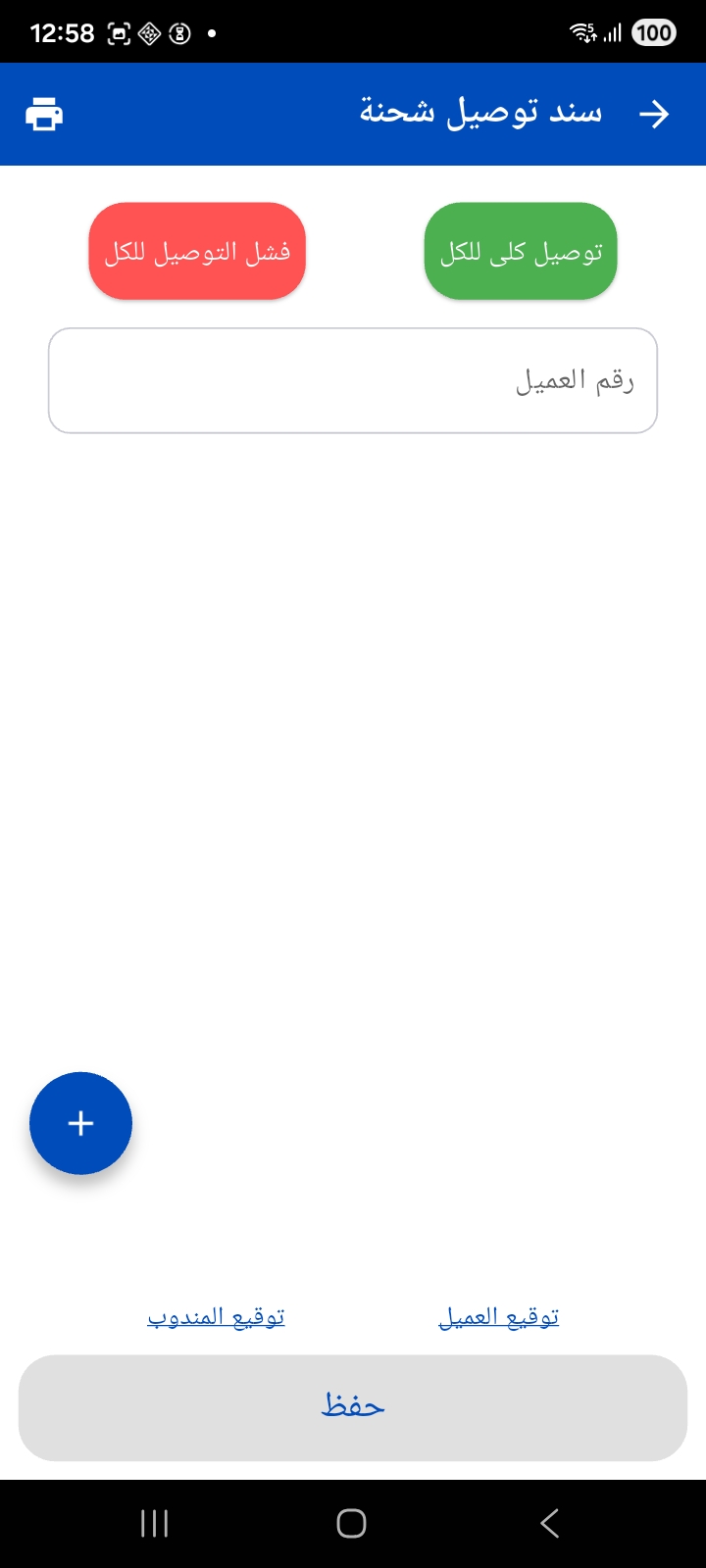
Shipment delivery voucher — where the driver reviews the items to be delivered, and can confirm deliver all or record failed delivery for all, or handle each customer individually. It captures the customer signature and rep signature as proof of delivery, with the ability to print.
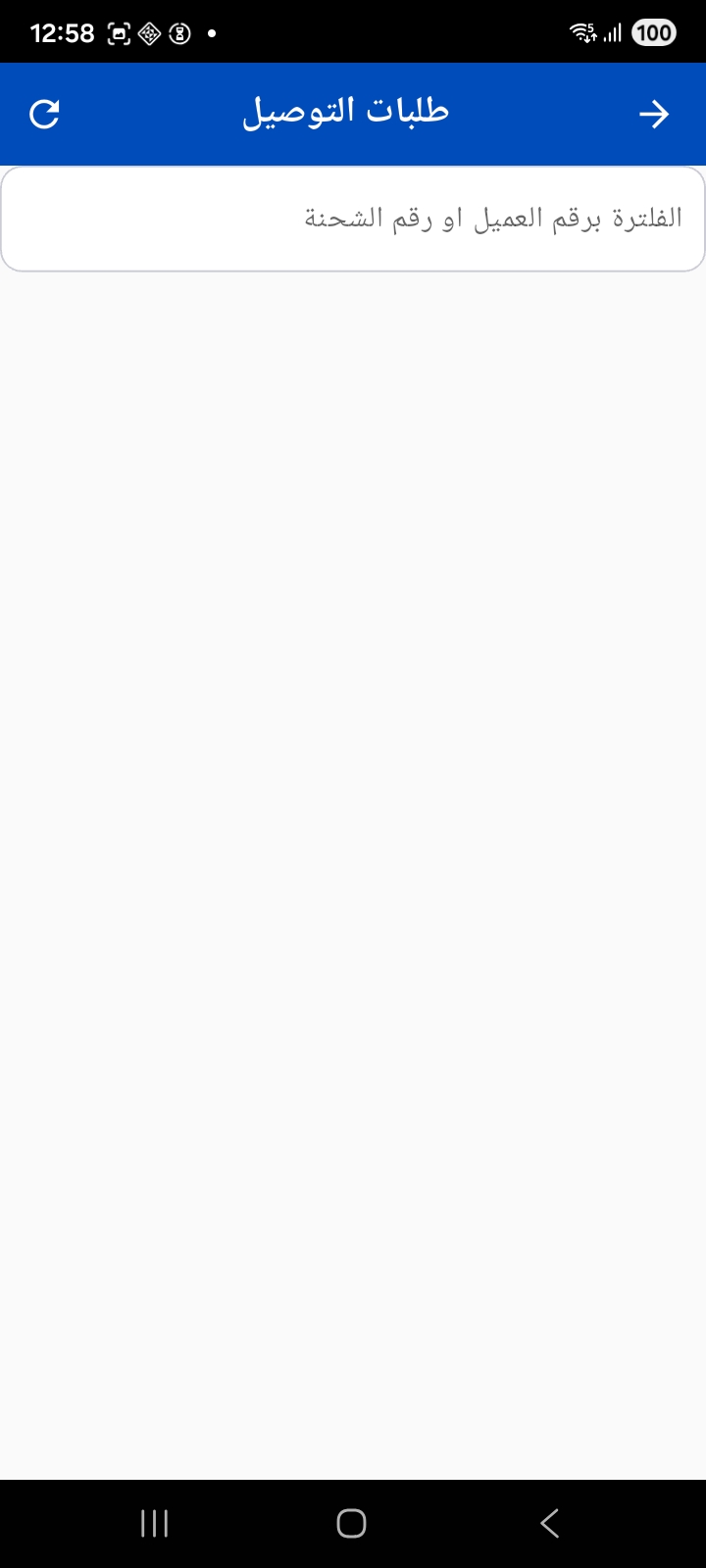
Delivery orders — a list that can be filtered by customer number or shipment number to follow up the orders assigned to the driver.
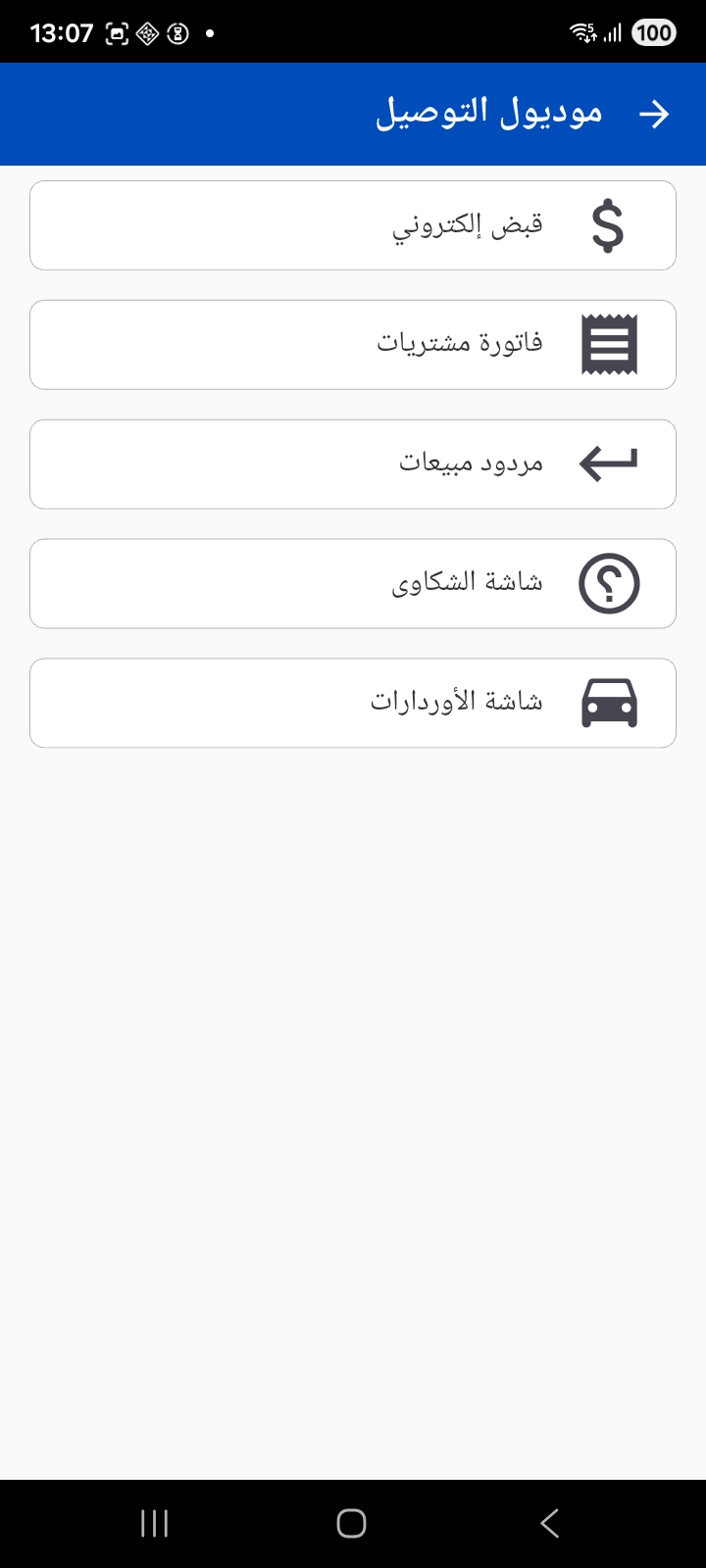
The Delivery module gathers the tools a delivery rep needs in one place — electronic receipt, purchase invoice, sales return, the complaints screen, and the orders screen:
Driver field tools
Depending on the configuration, the driver can filter their tasks by customer, area or branch, share the order details via WhatsApp, navigate to the customer's location on the map, and add voice notes.
Electronic receipts
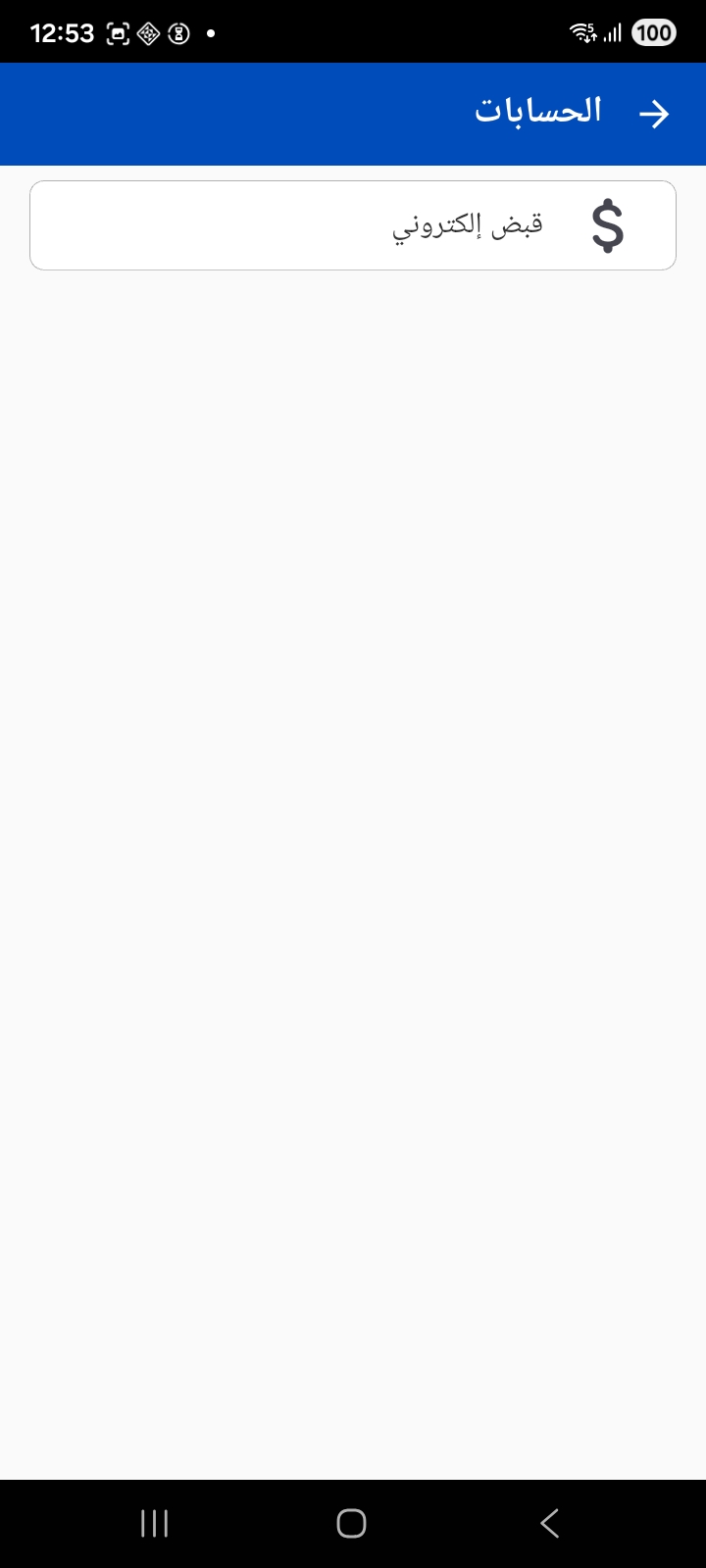
The collector issues the electronic receipt voucher at the customer's site directly. The screen appears under the Accounts group:
In the receipt voucher the collector chooses the customer, the payment date, the currency and the payment method (cash, bank…), and the voucher can include installments and terms and conditions the customer agrees to. After saving, the receipt can be printed to the configured printer. Receipt vouchers are often linked to source documents such as the sales order or sales invoice.
Linking the method to a bank
The payment methods and banks available in the app are loaded from server settings; if the payment method is a bank method, the corresponding bank must be specified.
Notes for the administrator
- The visit types and states, the allowed reference fields, and the customer/item criteria are configured from the Mobile App configuration.
- The receipt and delivery voucher books, the payment methods and banks, and the print templates for receipts and the terms and conditions are defined on the server side.
- The visits, maintenance, delivery and receipt modules appear in the menu only if they are licensed for your organization.