Point of Sale
Most of Nama ERP runs in a web browser. Nama POS is the exception: a dedicated desktop application that runs right on the cash register, with a companion Captain Order mobile app for waiters. It is built this way for one simple reason — a point of sale cannot stop selling just because the internet went down.
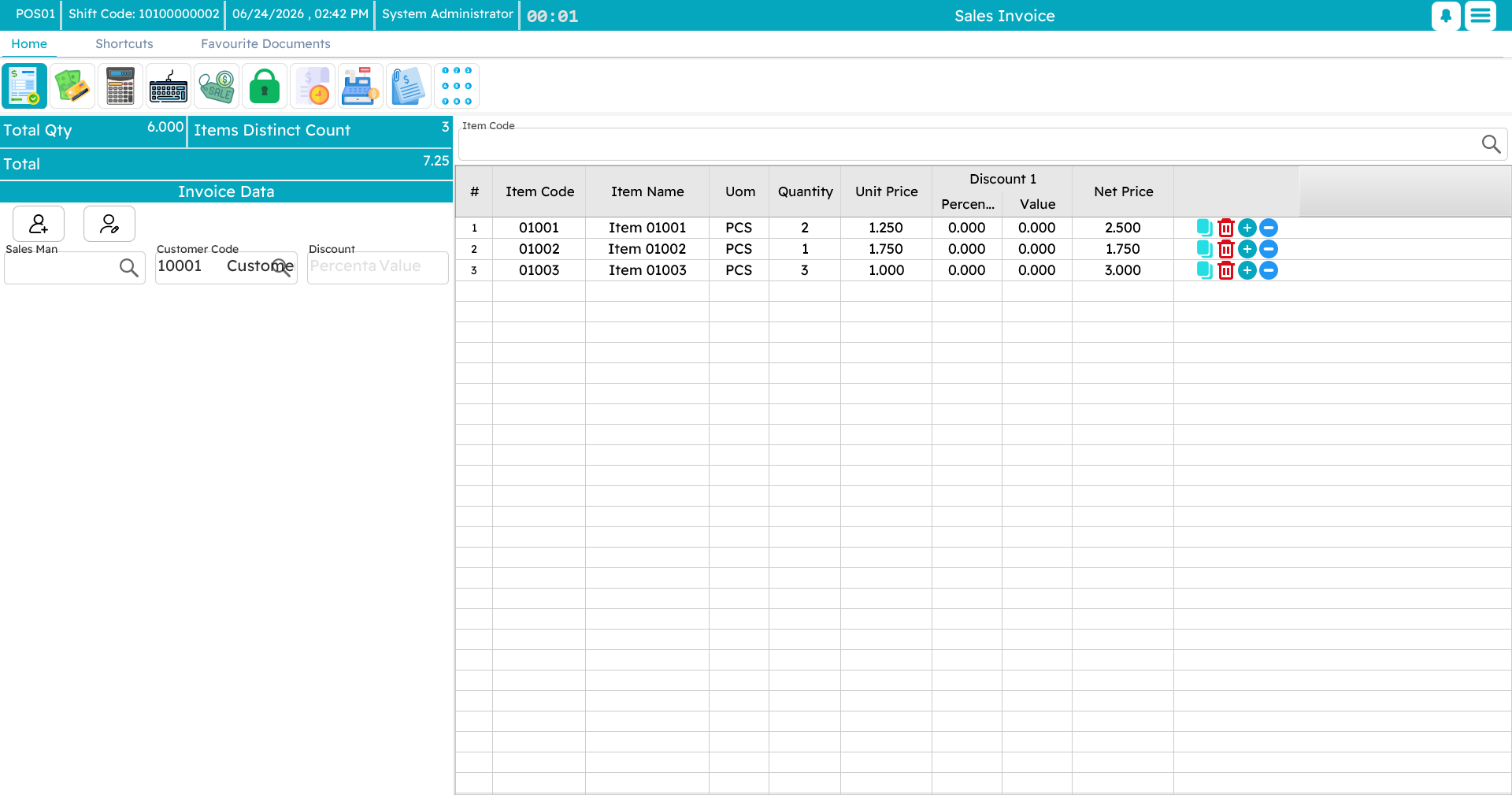
Offline-first by design
A shop floor is a demanding place: the connection drops, a busy night brings a queue to the counter, and the customer in front of you still expects a receipt in seconds. So every register keeps its own local database, records every sale, return, payment and shift locally first, and syncs in the background up to the central Nama ERP — flushing any queued documents automatically once the connection returns.
This is the single most important idea about Nama POS, and it has its own page below.
How this guide is organized
This guide is a tour of the register, roughly in the order you meet each part.
Start here
- Nama POS — Overview — what the system is, its pieces (register, Captain Order, server, peripherals), and who uses each.
- Installing a New Register — first-time setup: SQL Server, the local database, the installer, the settings dialog, and the first sync with the server.
- Getting Started at the Register — launching, signing in, the slide menu, keyboard shortcuts, locking the screen, supervisor authorization, language & theme.
Selling
- The Sales Invoice — the main selling screen: adding items, the customer, discounts, holding and recalling a sale.
- Payment & Tender — taking the money: cash, card, split payments, coupons, credit notes, reward points.
- Returns & Replacements — refunds, exchanges, credit notes, and depreciation on returned goods.
Running the register
- Shifts & Cash — opening and closing a shift, counting the drawer, pay-ins and pay-outs.
- Tables, Reservations & Captain Order — halls and tables, reservations, suspended orders, the call-center flow, and the waiter's mobile app.
- Item Add-ons — sizes, colours, and extras (like sugar and milk for a coffee).
- Inventory Operations at the Register — receiving, transferring, counting, and scrapping stock from the register.
- Reports & Tools — running reports, internal messages, the price checker, and maintenance utilities.
Behind the scenes
- How POS Data Syncs with the Server — what "sent" and "unsent" mean, and what to do when a document won't go up.
Technical & reference
- Nama POS — Technical Points of Use Guide — pole display, dimension filtering, API-key login, column widths, reset counter, and other technical tips.
- Free Items in POS: Claim at Scan and Reconciliation at Payment — how promotional free items are claimed and reconciled.
- Fingerprint Login in Point of Sale — signing in with a fingerprint reader.
- Point of Sale FAQ — quick answers to common questions.
Configuration is a separate topic
This guide is about using Nama POS day to day. Setting it up — defining registers, payment methods, security profiles, screen layouts, and the many POS settings — is documented separately.