
Clinical Orders & Results
During a patient's stay (or an outpatient visit), the doctor orders investigations and procedures: lab tests, radiology, surgeries. The system follows a clear pattern — a request opened by the doctor, then a result entered by the labs or departments, with the two linked together. Every priced line is split between patient and insurer as usual.
None of these screens has buttons of its own. The surgery documents are followed end to end on The Surgery Lifecycle.
| Screen | Menu | Its own buttons |
|---|---|---|
| Lab Test Request | Hospital Management System → Laboratory Tests → Lab Test Request | None |
| Laboratory Test Result | Hospital Management System → Laboratory Tests → Laboratory Test Result | None |
| Radiology Request | Hospital Management System → Radiology → Radiology Request | None |
| Radiology Result | Hospital Management System → Radiology → Radiology Result | None |
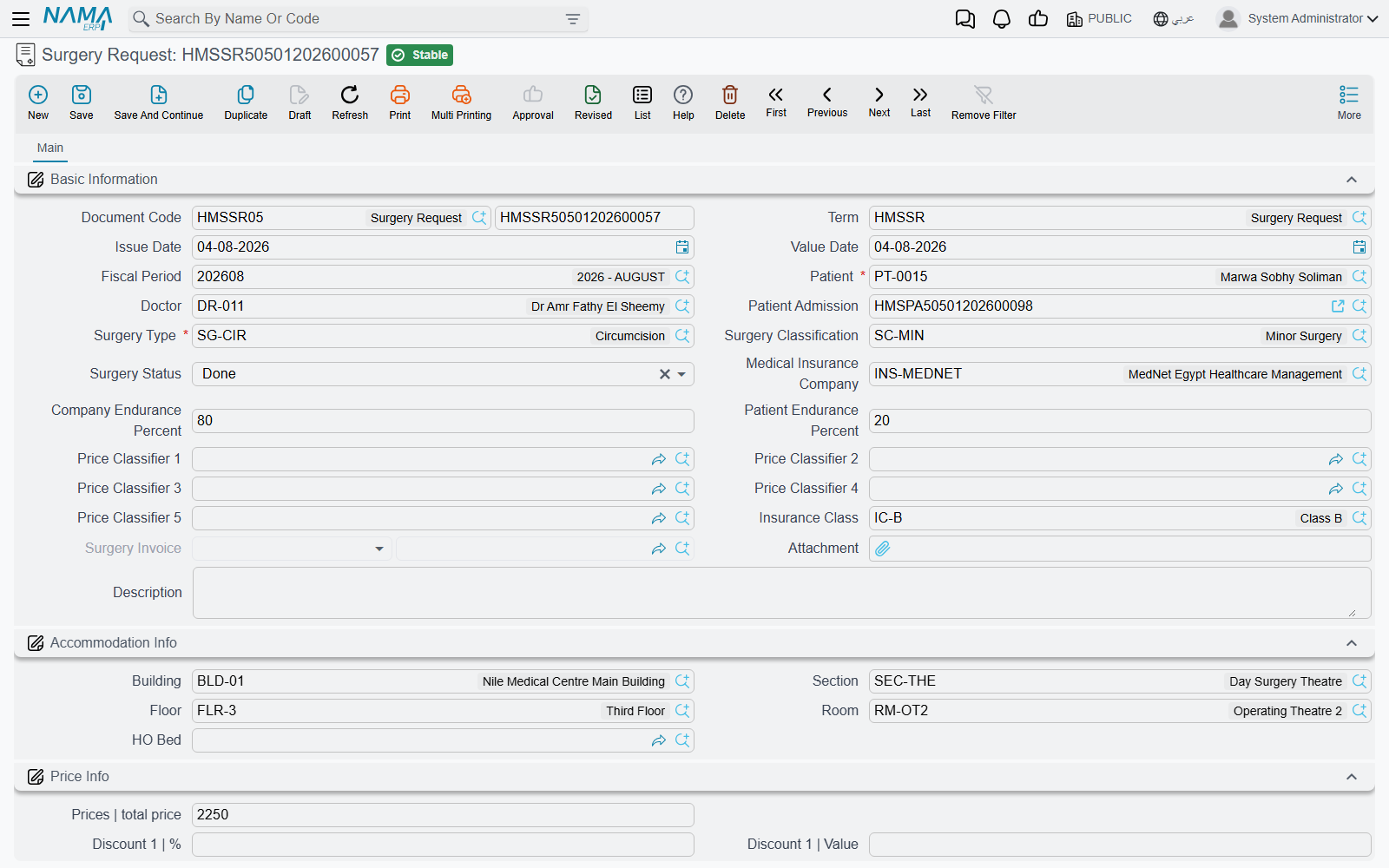
| Surgery Request | Hospital Management System → Surgeries → Surgery Request | None |
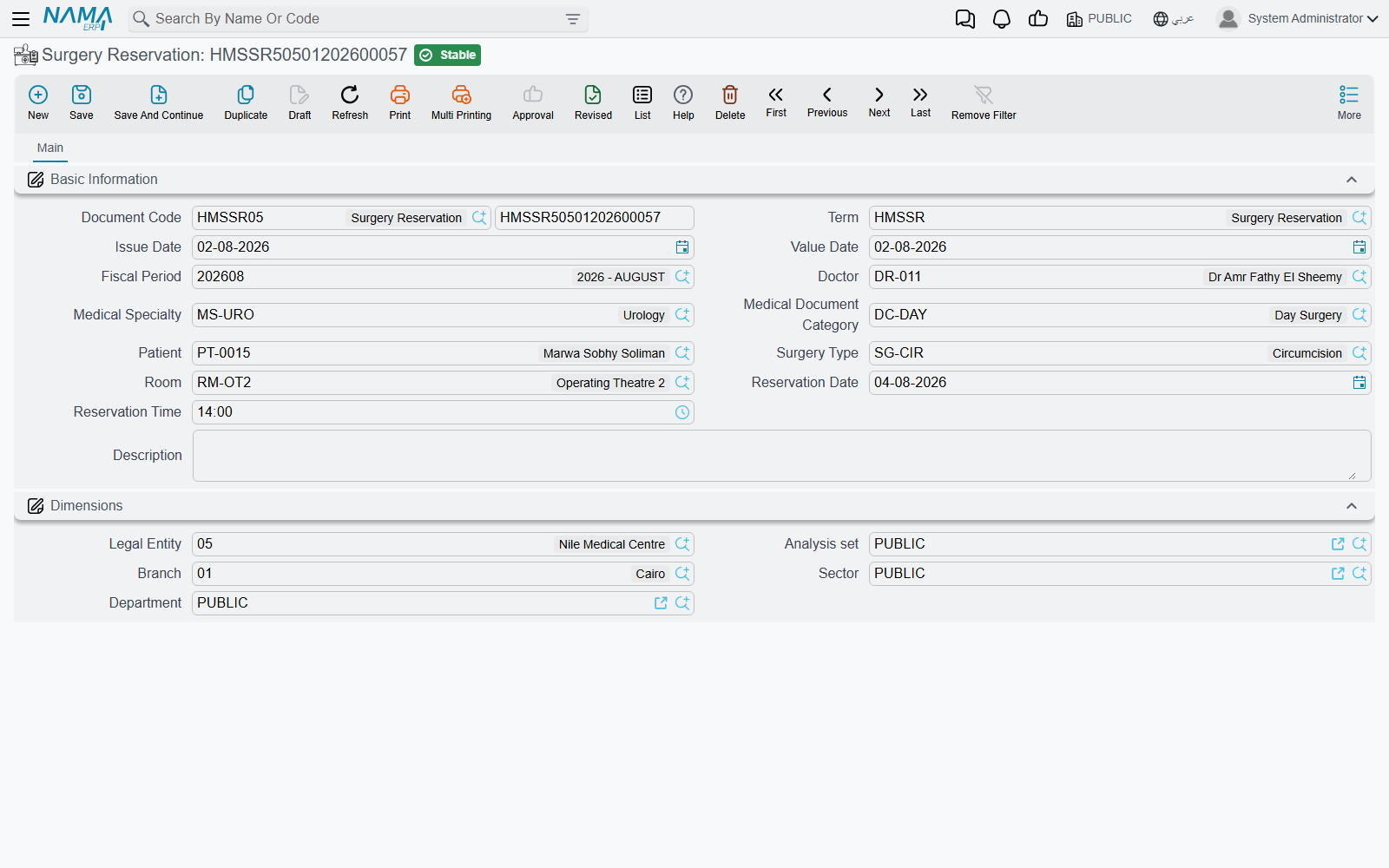
| Surgery Reservation | Hospital Management System → Surgery Package Deal → Surgery Reservation | None |
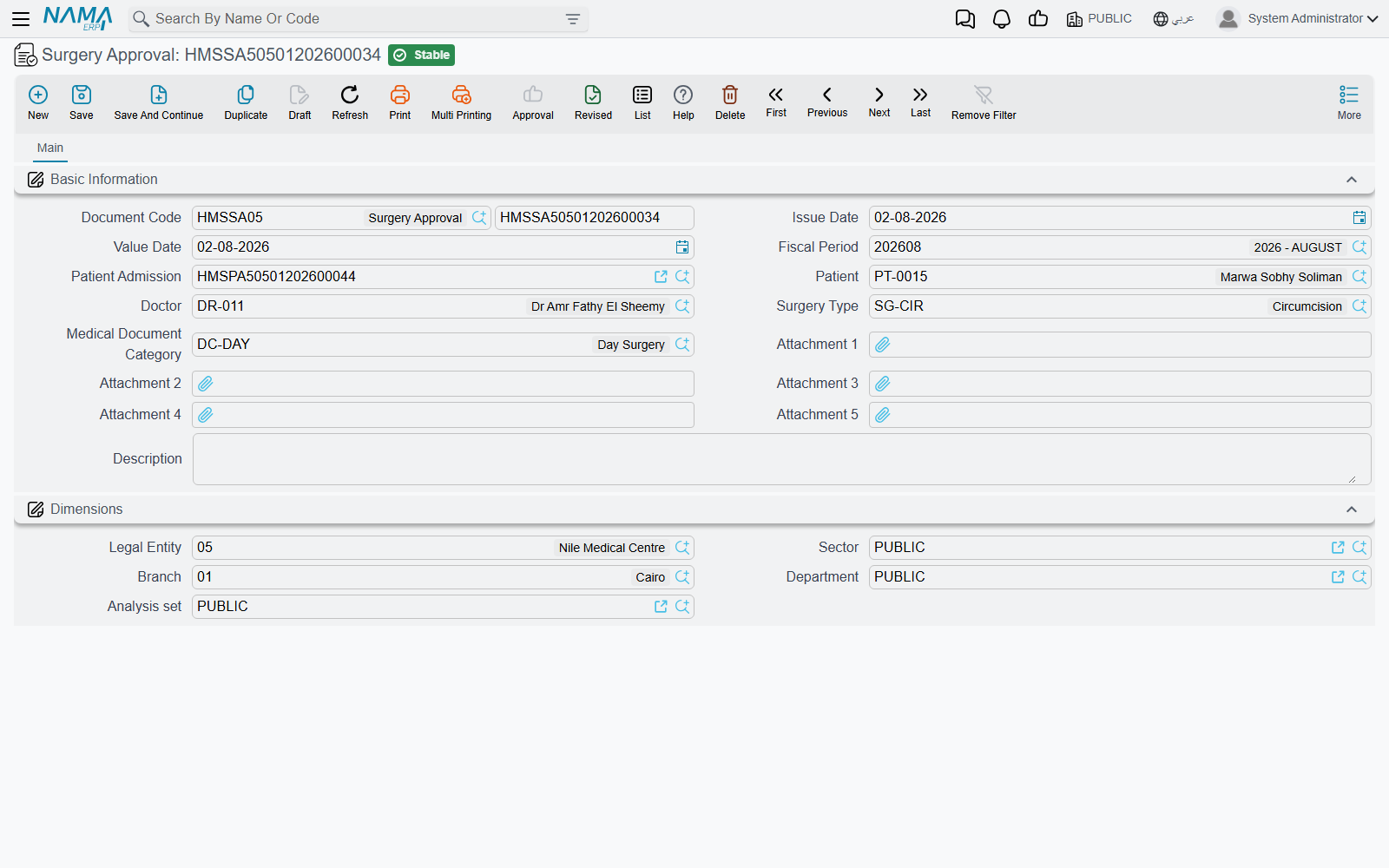
| Surgery Approval | Hospital Management System → Documents → Surgery Approval | None |
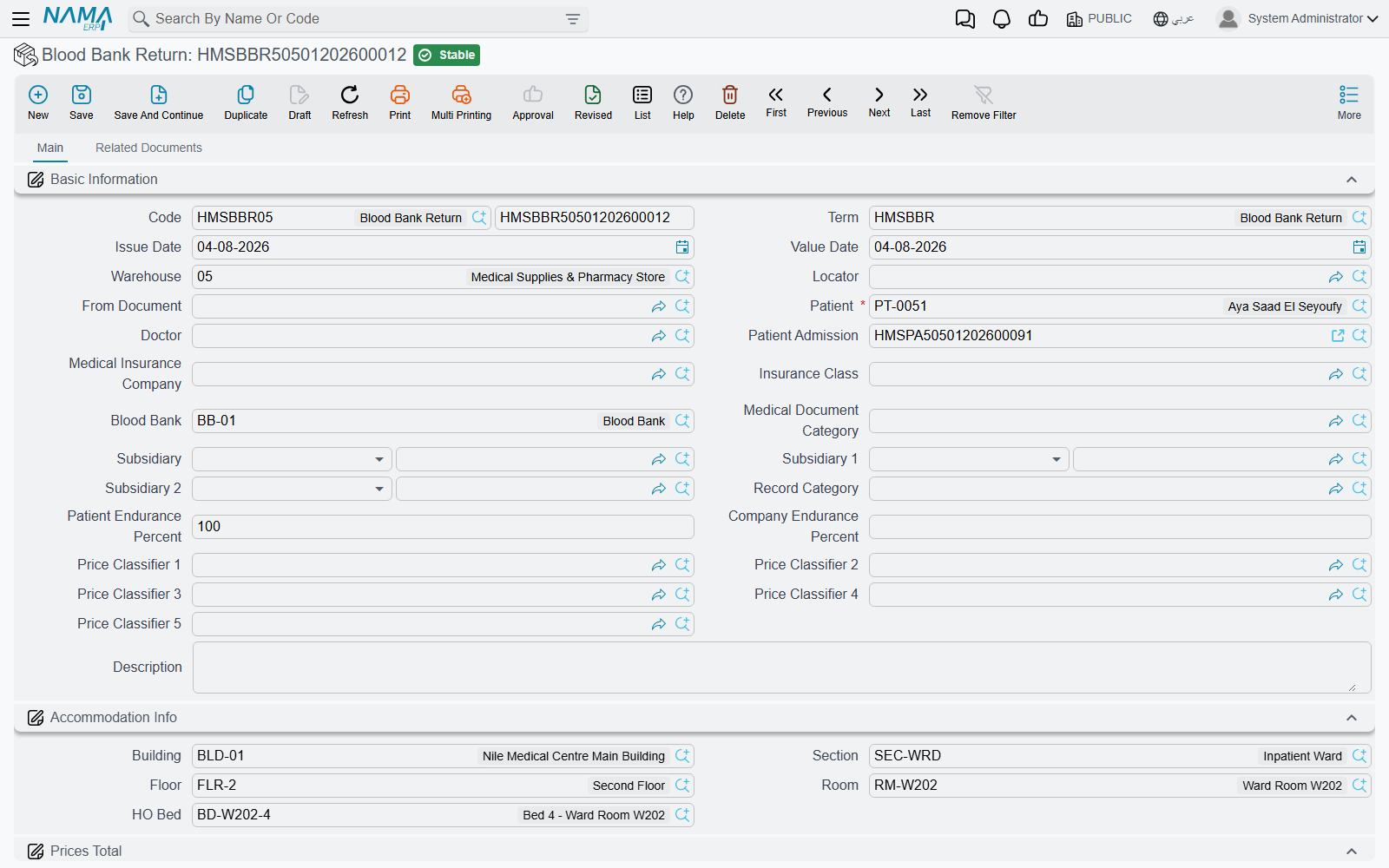
| Blood Bank Return | Hospital Management System → Blood Banks → Blood Bank Return | None |
Lab tests: request then result
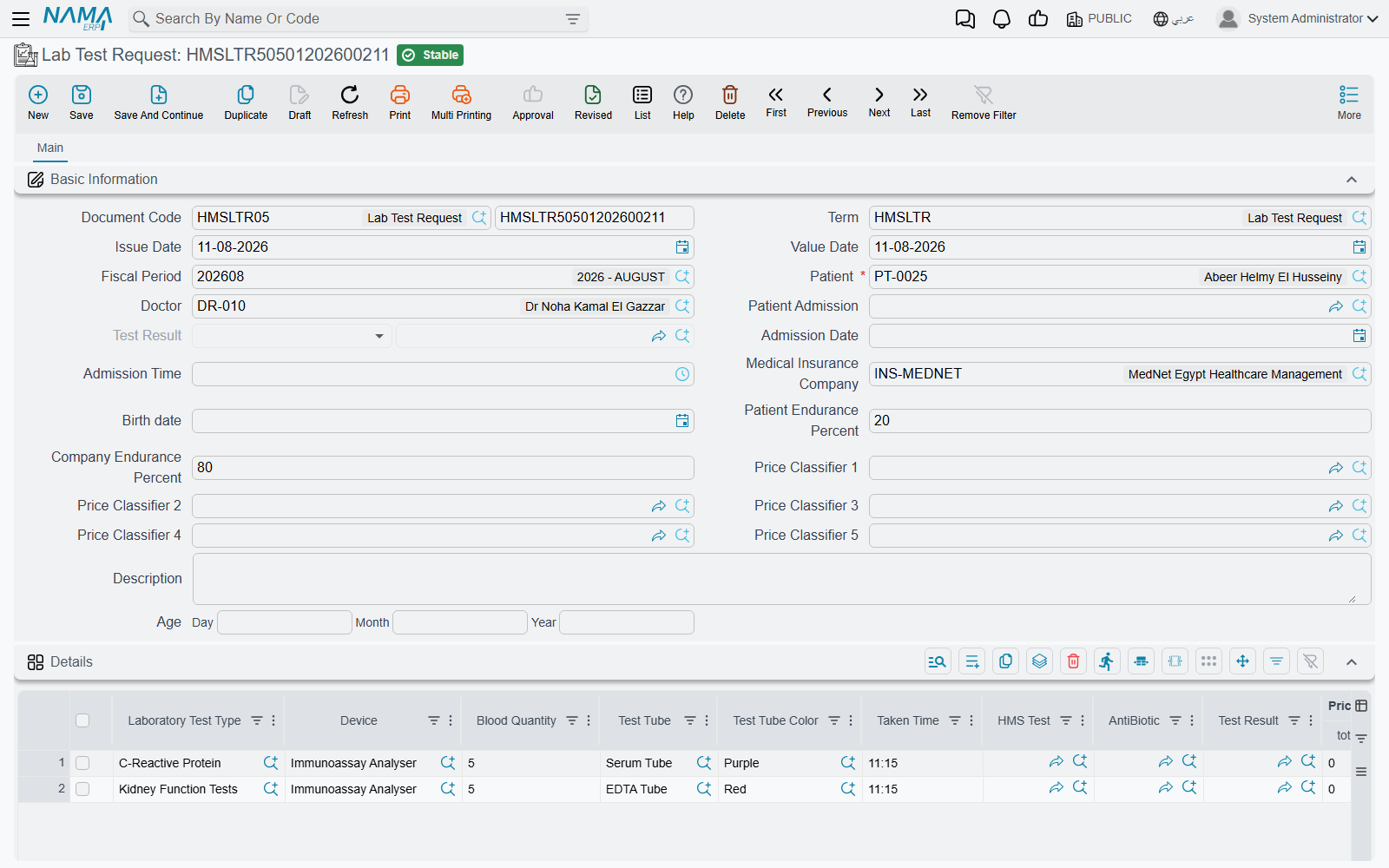
Lab Test Request is the doctor's order to run tests: it carries the patient, doctor and admission, and a grid of requested tests (test type, device, blood quantity, tube and color, time taken, antibiotic) and their prices, and later links to the result document.
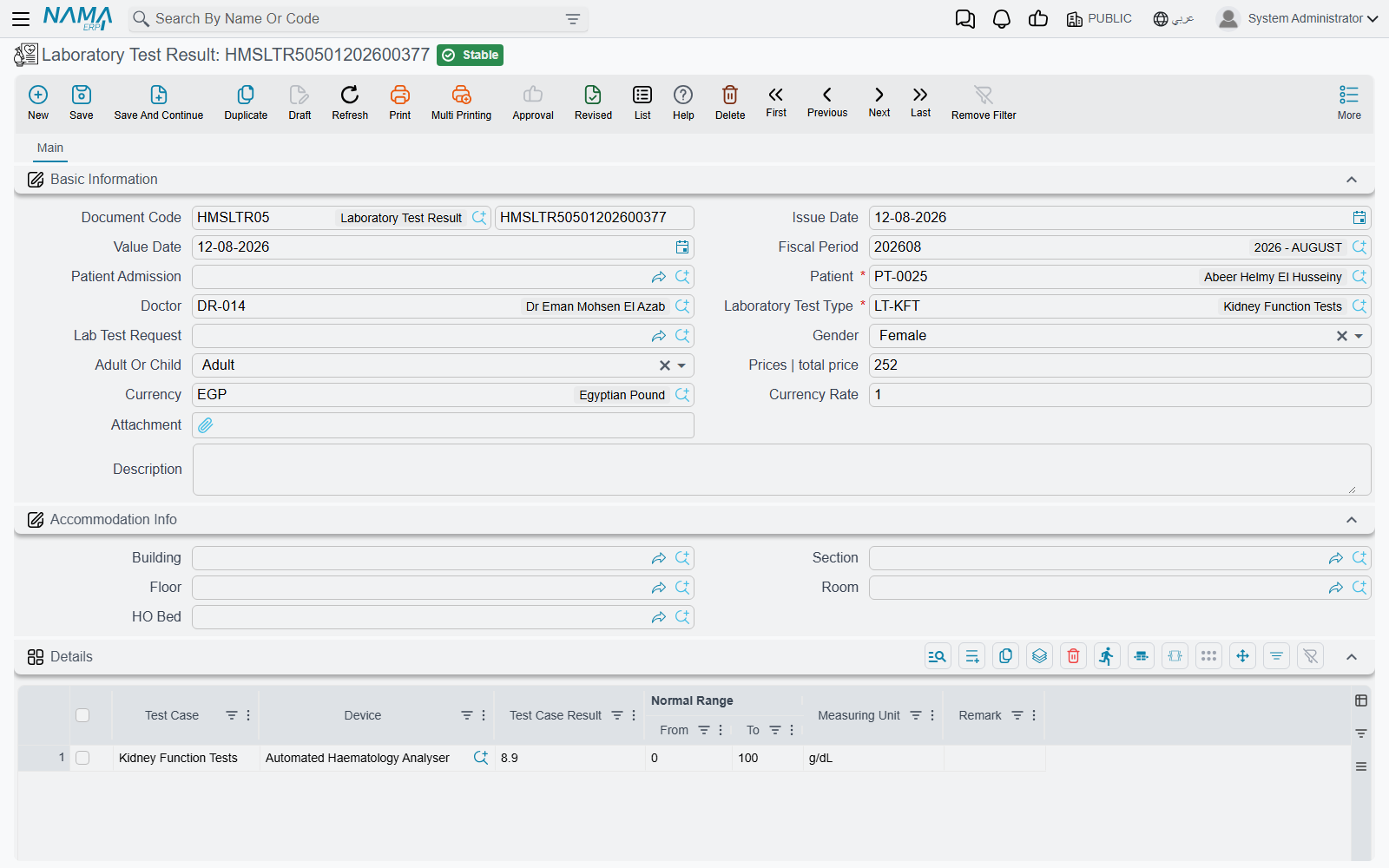
Lab Test Result records the measured values. Its smartness: when you pick the test type, it loads its result components (test cases) and fills in the normal range appropriate to the patient's demographic (male/female, adult/child) automatically, so the technician enters only the measured value. Picking the request copies patient and doctor data, and for a single-test-type request it preloads the result lines. The lookups are filtered intelligently too: test types matching the request, and requests not yet resulted.
Radiology: request then result
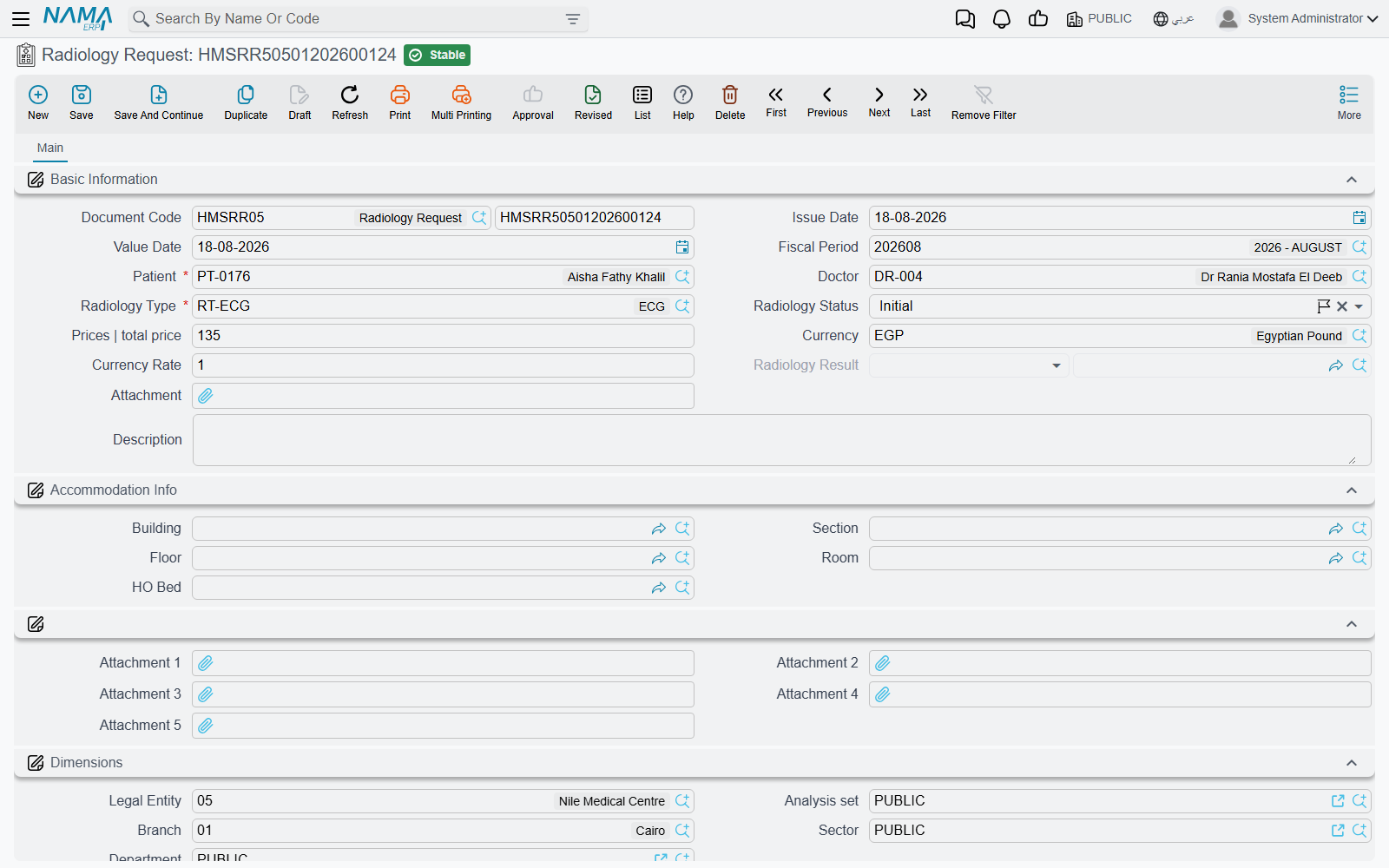
Radiology Request is the doctor's order for an imaging study: patient, doctor, radiology type, status, price, and attachments.
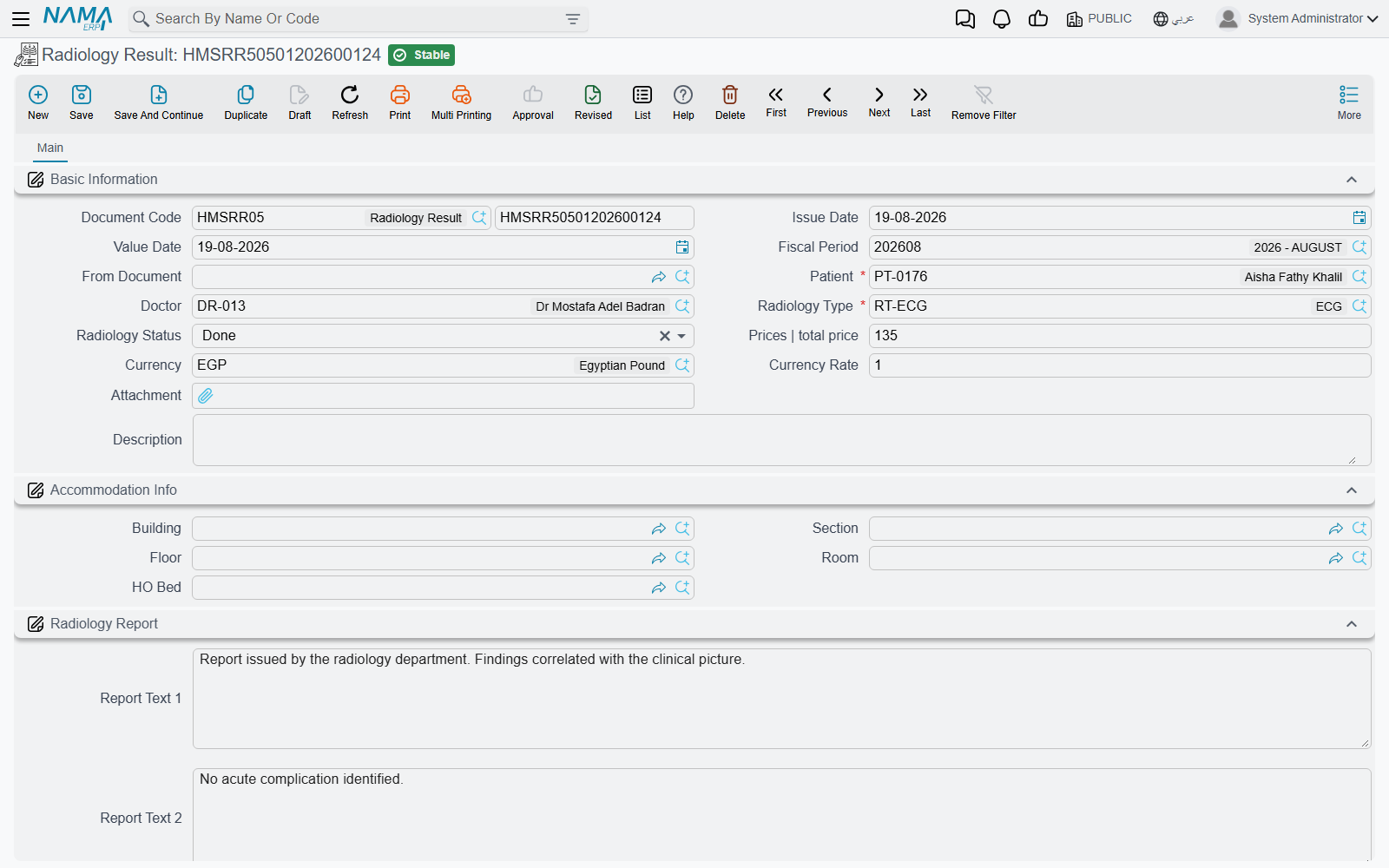
Radiology Result is the radiologist's report and images: it's created from the request (via "from document") and carries a radiology report block with its texts and attachments (the image and report files).
Surgeries: request, reservation and approval
A surgery moves through three complementary documents:
- Surgery Request — requests the operation with its type, classification, status and full pricing (patient/insurer split), and links to the surgery invoice.
- Surgery Reservation — books the operating room for a given slot (doctor, specialty, surgery type, room, reservation date and time) — the scheduling side of the request.
- Surgery Approval — the signed consent/approval to proceed, with its supporting attachments.
The blood bank
Blood Bank is a master file that acts as an accounting party (the source/destination of blood units). When blood units are returned (e.g. unused ones), this is recorded in a Blood Bank Return — a document with full inventory lines (item, quantity, lot, expiry) and pricing split between patient and insurer, producing a stock receipt. Issuing and billing blood is done via the Blood Bank Invoice.
Messages you may see
| Message | Why | What to do |
|---|---|---|
| Lab test request used in another lab result — «طلب عمل تحليل مستخدم بالفعل فى نتيجة تحليل اخرى» | The Lab Test Request named on this result is already linked to a different Lab Test Result. One request carries one result. | Open the request to find the result that already exists and enter the values there; the request picker normally hides requests that have been resulted. |
| Radiology request used in another radiology result — «طلب عمل أشعة مستخدم بالفعل فى نتيجة اشعة اخرى» | The From Document is a Radiology Request that is already linked to a different Radiology Result. | Open the request to find the existing result and report on that one instead. |
| There is a reservation doc {0} on the room {1}, reserved at {2} and the allowed time to make another reserve on this room is {3} — «يوجد سند حجز {0} على الغرفة {1} تم الحجز في {2} والوقت المسموح به لعمل حجز آخر على نفس الغرفة هو {3}» | Another committed Surgery Reservation books the same operating room too close to this one. The room file carries the minimum gap between reservations, and the reservation term config has Consider Diff In Times Between Room Reservations ticked. | Move the reservation outside the gap, book another room, or review the gap on the room file if it is unrealistically wide. |