Accommodation & Feeding
Once admitted, a patient needs a bed and meals. Accommodation is what books the patient a bed, starts the daily accommodation and medical-supervision charges, and tracks their moves until discharge. Every accommodation document posts a bed-occupancy entry and may auto-generate an accommodation invoice depending on the term config.
Accommodation
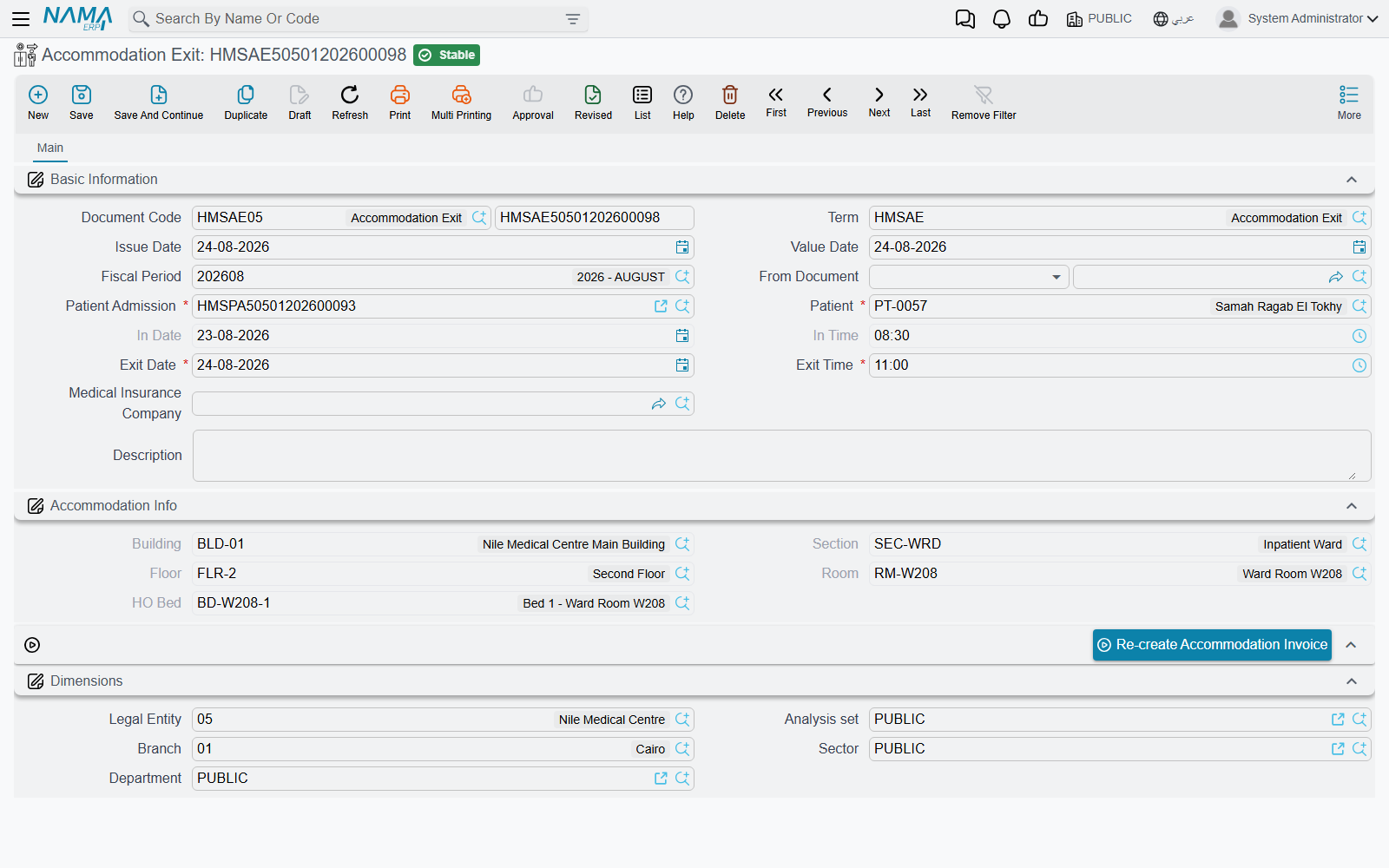
Accommodation is the bed-booking record that physically houses the inpatient. It is usually auto-generated from the admission (when "Generate Accommodation Doc" is ticked) but can be created manually. It records in/out dates and times, the bed location (building/section/floor/room/bed), and the nightly price split between patient and insurer.
On save, it posts a bed-occupancy line (marking the bed occupied from the in-date/time), and if there is no exit document yet, it generates the accommodation invoice (when the term config enables it). A bed is required to save. On cancel, the occupancy lines are removed and the admission's accommodation and price fields are reset. A Re-create Accommodation Invoice button regenerates the invoice.
Transfers between rooms
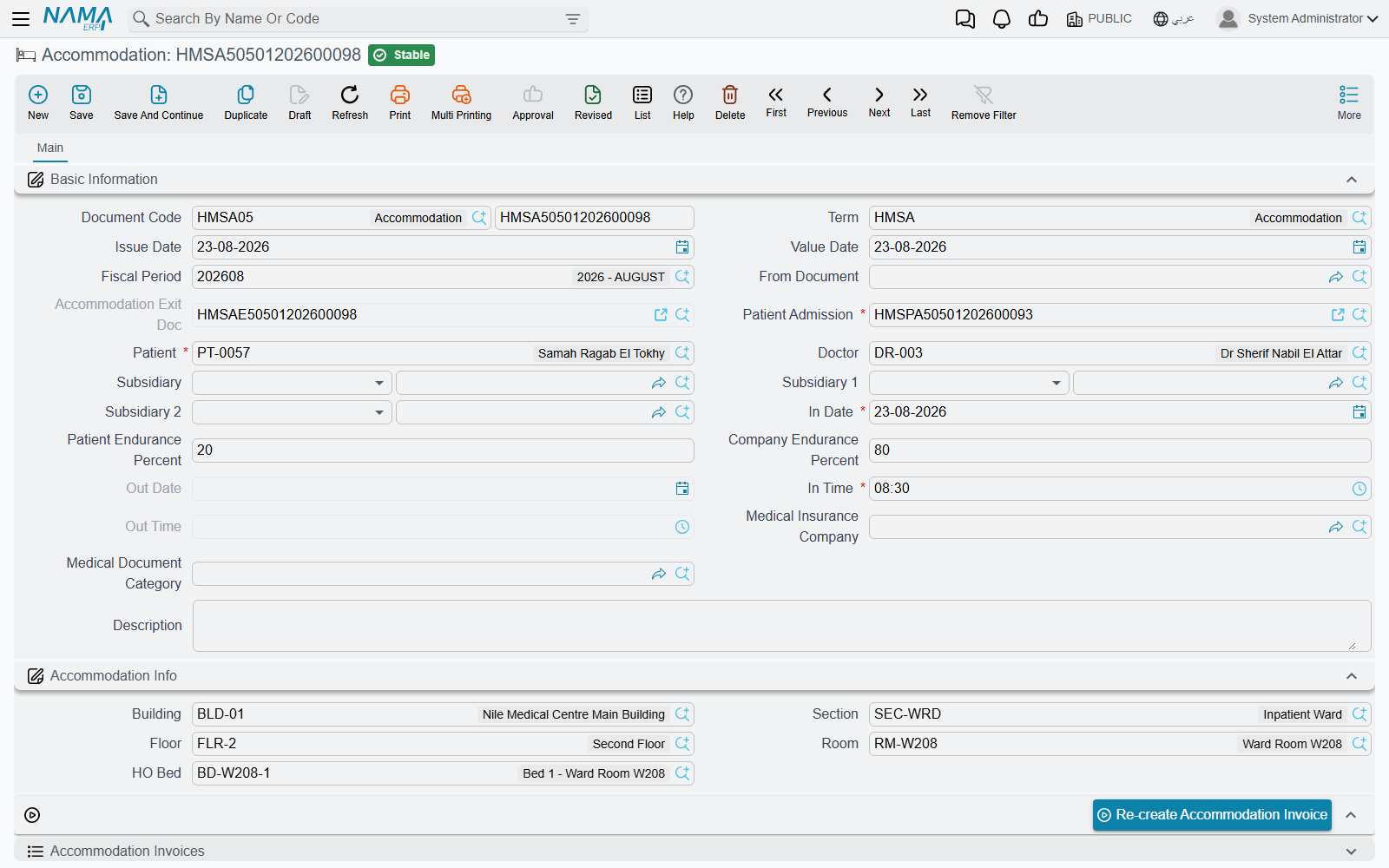
Accommodation Transfer moves an inpatient from one bed/room to another (e.g. from a general ward to ICU). It records the "from" location and the "to" location, the transfer date and time, and re-prices the new accommodation. Selecting the admission loads the patient's current accommodation into the "from" block, and you can keep the old bed booked via the Leave From Bed Reserved flag.
Exit
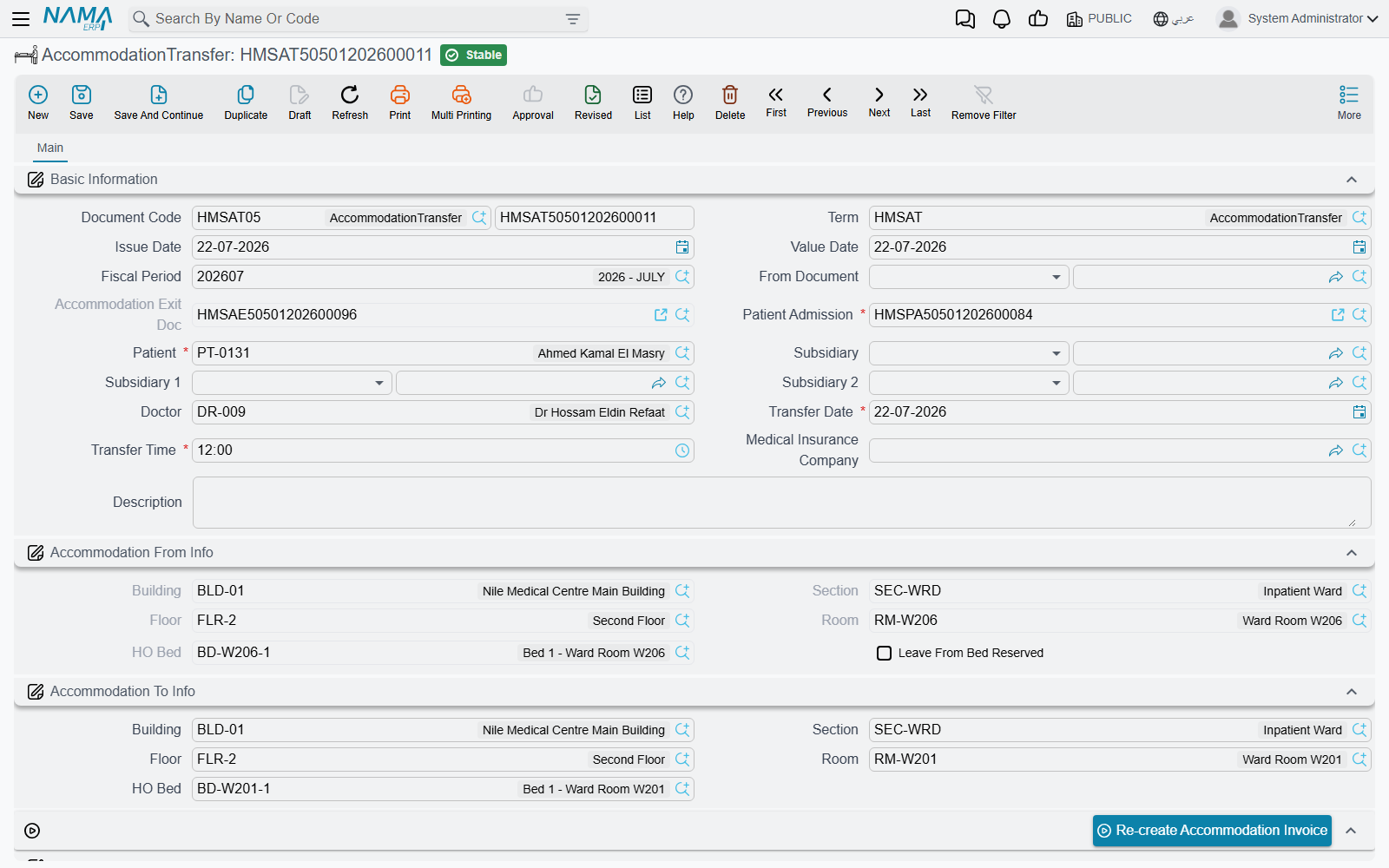
Accommodation Exit is the discharge document — it ends the patient's accommodation and admission, frees the bed, and paves the way for final billing. Selecting the "from document" (the running accommodation) copies the patient, admission, in-dates and location automatically. To prevent double-discharge, the patient lookup is limited to patients whose admission has not yet been closed by an exit. From it, the stay is consolidated into the Closing Invoice.
Feeding issue
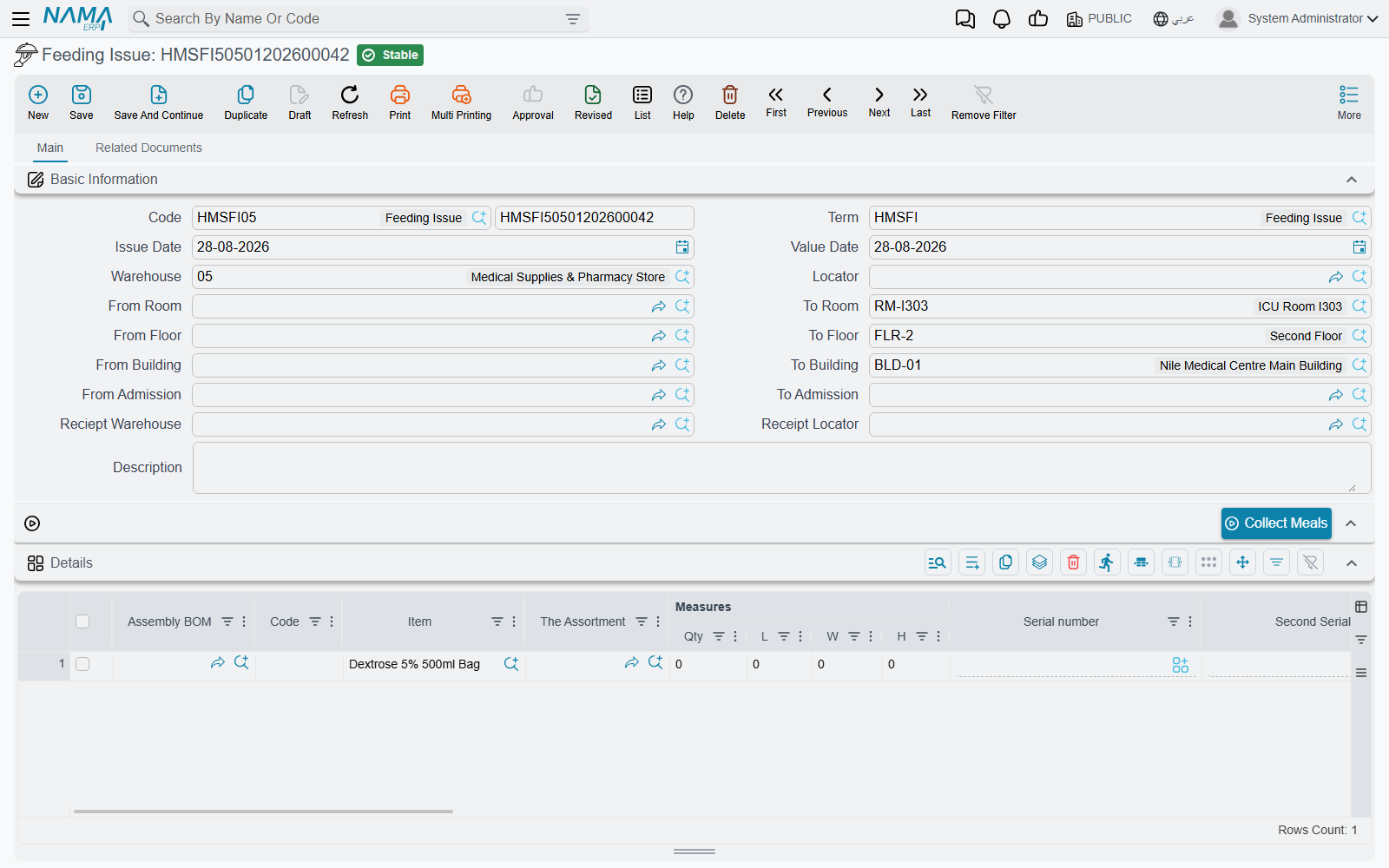
Feeding Issue issues meals to inpatients from a warehouse, automatically choosing the right diet based on each patient's diagnosis — a bridge between patient care and inventory (it produces a stock issue).
The magic is in the Collect Meals button: from a range of rooms/floors/buildings/admissions, it finds all patients still in the hospital (admission not yet closed), reads each one's diagnosis, picks the most appropriate feeding type (the highest-order one matching the diagnosis diseases), and then auto-builds both the patient lines and the detailed food-item lines — saving the nurse from choosing diets by hand.