
Medical Master Files
Having mapped the building, we now define the staff and medical concepts that the documents work with every day: doctors, specialties, diseases, medical services, analyzers, feeding, and patient classes. Most live under Hospital Management System → Master Files (some under specialized menus such as Laboratory Tests and Feeding, as noted).
The doctor
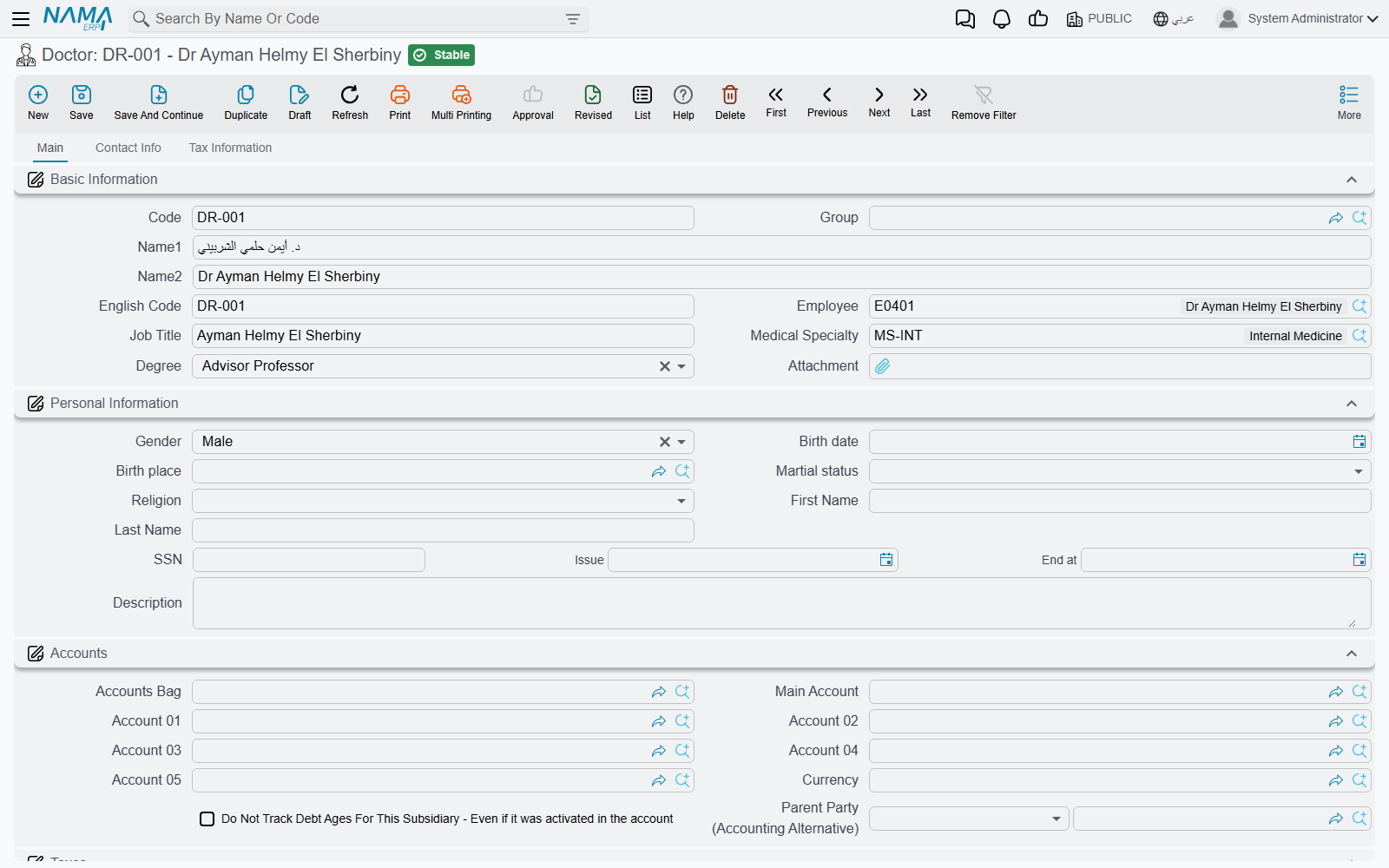
Doctor is one of the richest files. It records the physician's details, specialty and degree, can be linked to an HR Employee record, and — crucially — it acts as an accounting party, with its own ledger account so the doctor's share/commission can be paid out. Its data spans tabs: Basic Information (specialty, degree, job title), Personal Information (gender, birth, national ID), Accounts, Taxes, Contact Info, and Tax Information. Because doctor and degree are pricing classifiers, a service's price can differ from one doctor to another.
A Medical Specialty classifies doctors, clinics and services (cardiology, orthopedics, pediatrics…) and is itself an accounting party, so revenue can be tracked per specialty.
The medical service
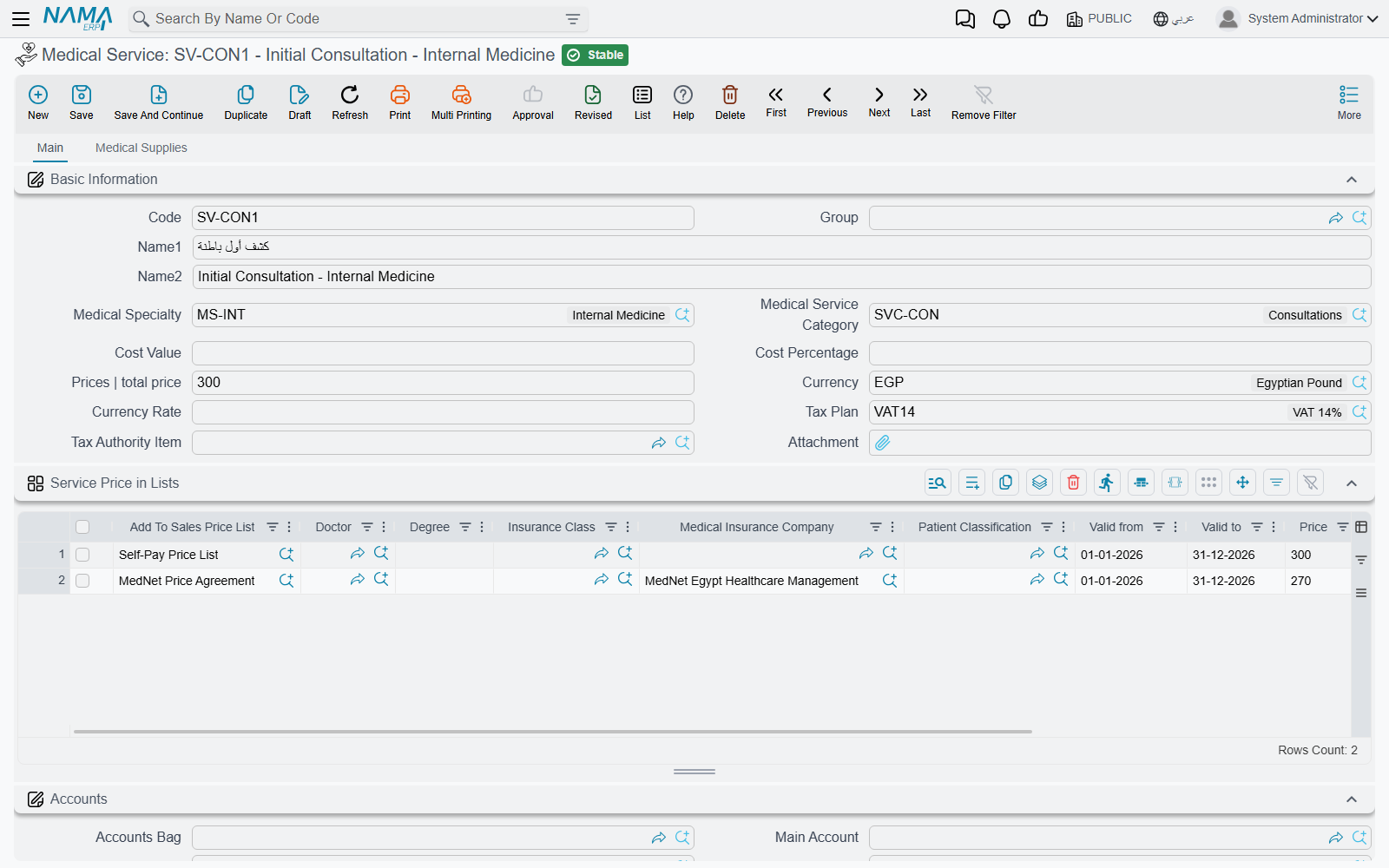
Medical Service is the core priced item in the system — a consultation, a procedure, a nursing service. It carries a cost and a price, a tax plan, and a tax-authority item (for e-invoicing), and links to a specialty and a service category. Like the room classification, it has a price-in-lists grid that varies the price by doctor/degree/insurer/patient class and period. What's distinctive is its Medical Supplies tab: a list of items consumed when the service is performed, so inventory is issued automatically at billing time.
Services are grouped under a Medical Service Category to organize the catalog and reporting.
Diseases and antibiotics
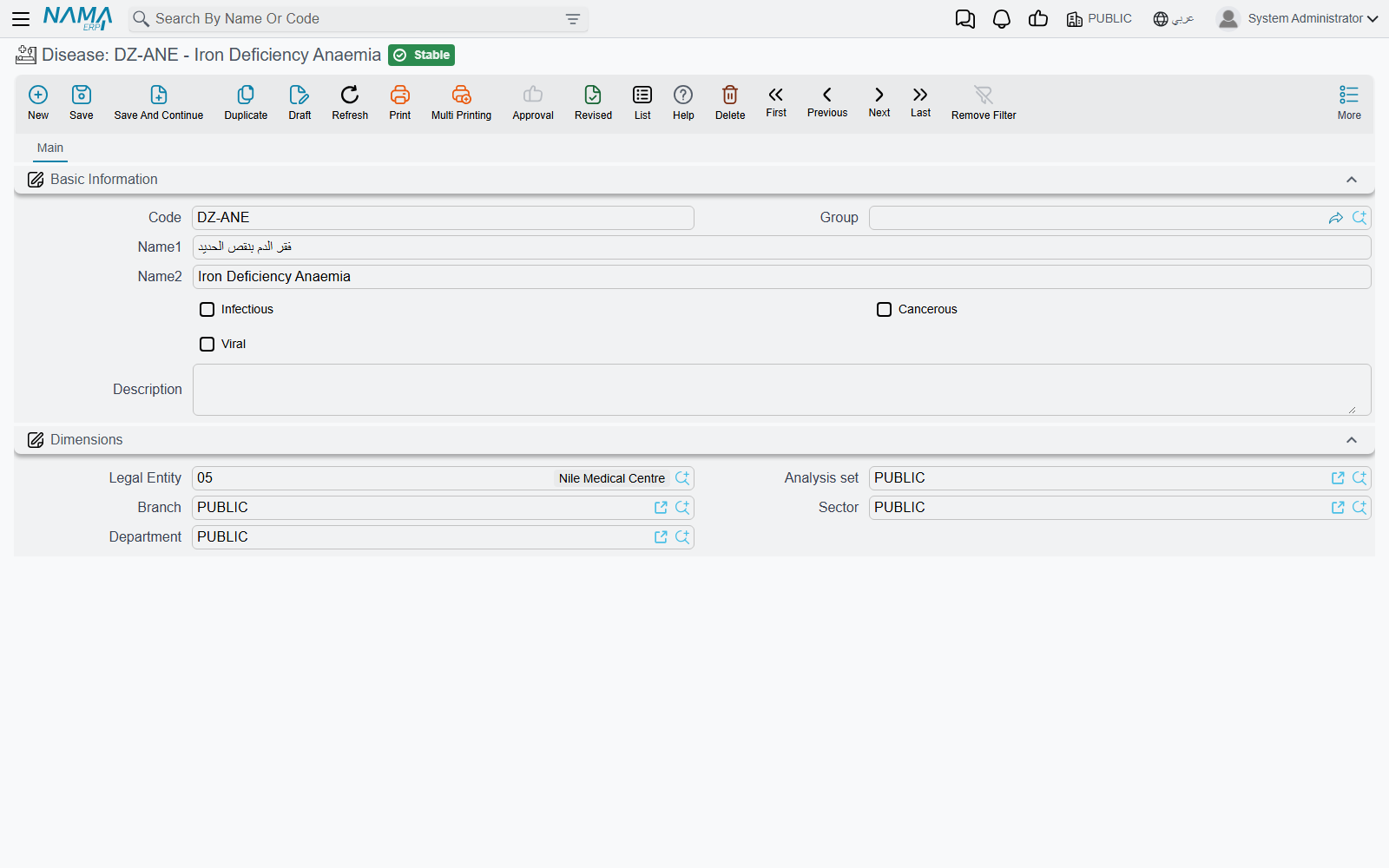
Disease is the catalog of diagnoses used when recording a patient's diagnosis, and a disease can be flagged by nature: infectious, cancerous, or viral — useful later for choosing the right diet and for statistics.
Antibiotic is a list used by the labs (especially in sensitivity/culture testing) to record which antibiotics a sample was tested against. You'll find it under the Laboratory Tests menu.
Analyzers
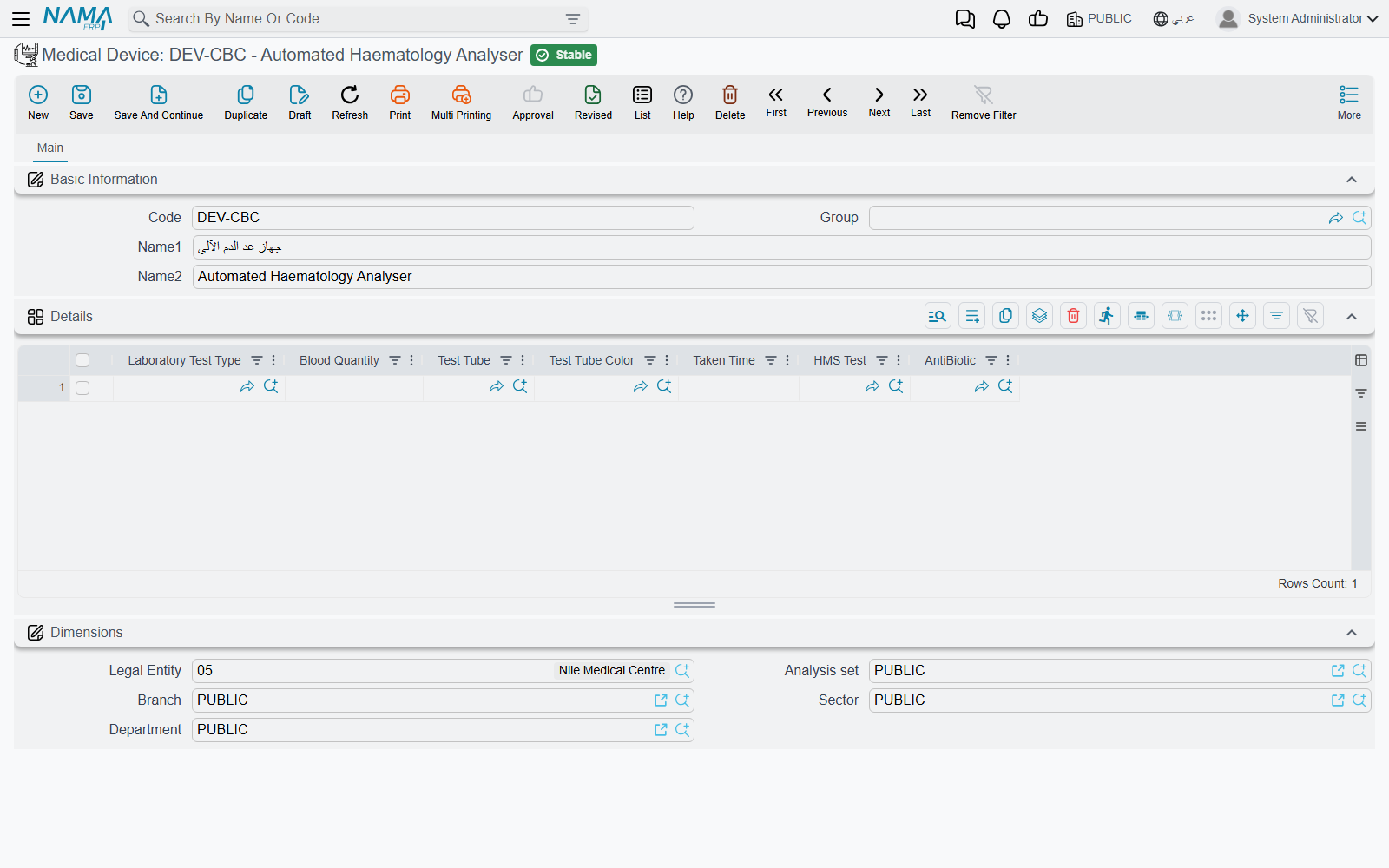
Despite its English label "Medical Device," this is a lab analyzer, and its definition specifies which tests the device runs and each test's requirements: blood quantity, tube type and color, time taken, and the associated test and antibiotic. This later drives the sample-collection instructions on lab requests. You'll find it under the Laboratory Tests menu.
Feeding, patient classes and document categories
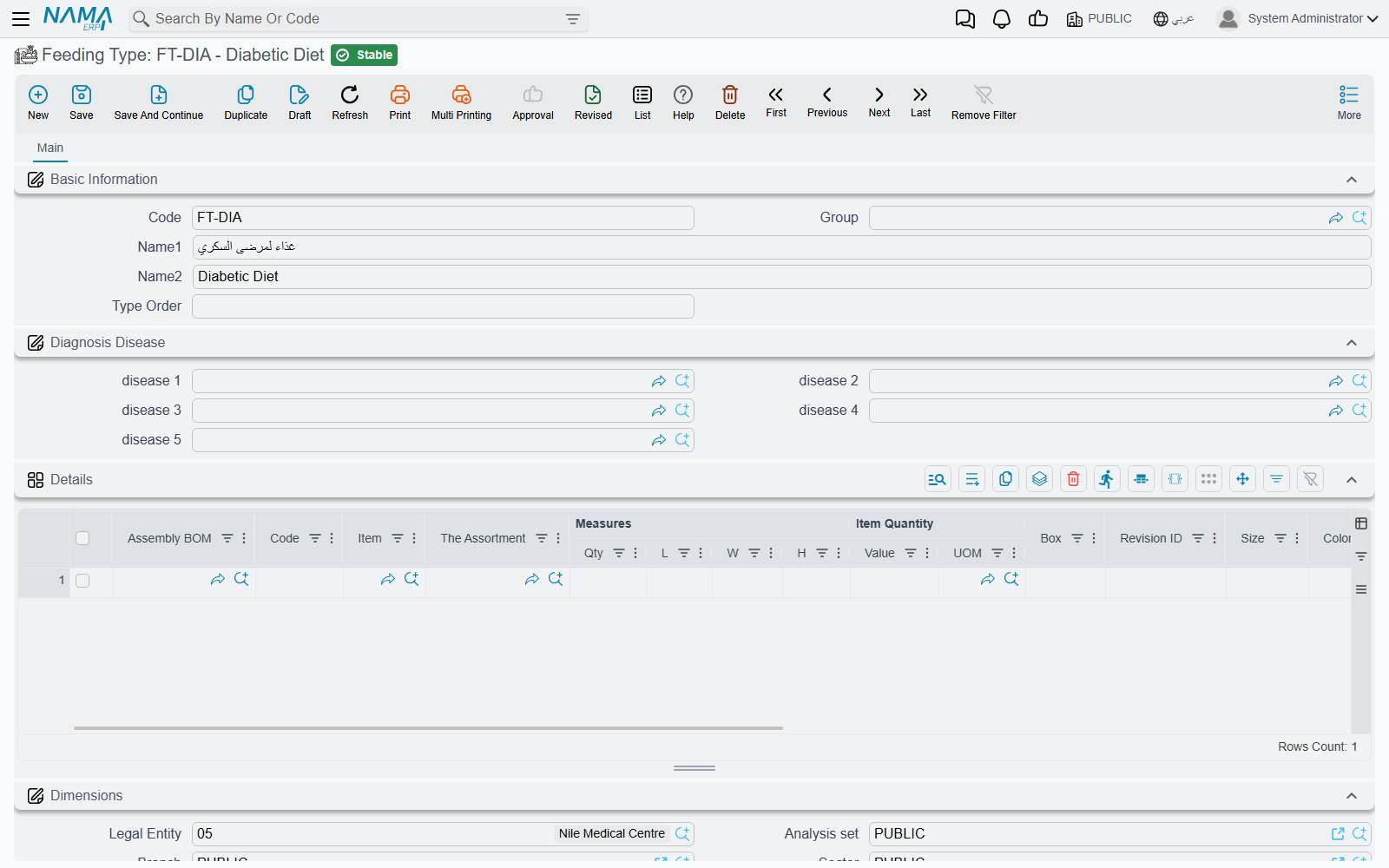
- Feeding Type — a patient diet (normal, diabetic, liquid…). It defines a priority order, the diseases it is recommended for (so a diet can be chosen automatically from the diagnosis), and a recipe-like list of food components (as a BOM) with quantities and costs to issue from the kitchen. This file plays a central role in Feeding Issues.
Patient Classification — a patient tier (cash, staff, company, exempt, VIP…), and a key pricing classifier: prices differ by patient class in price lists and insurance approvals.
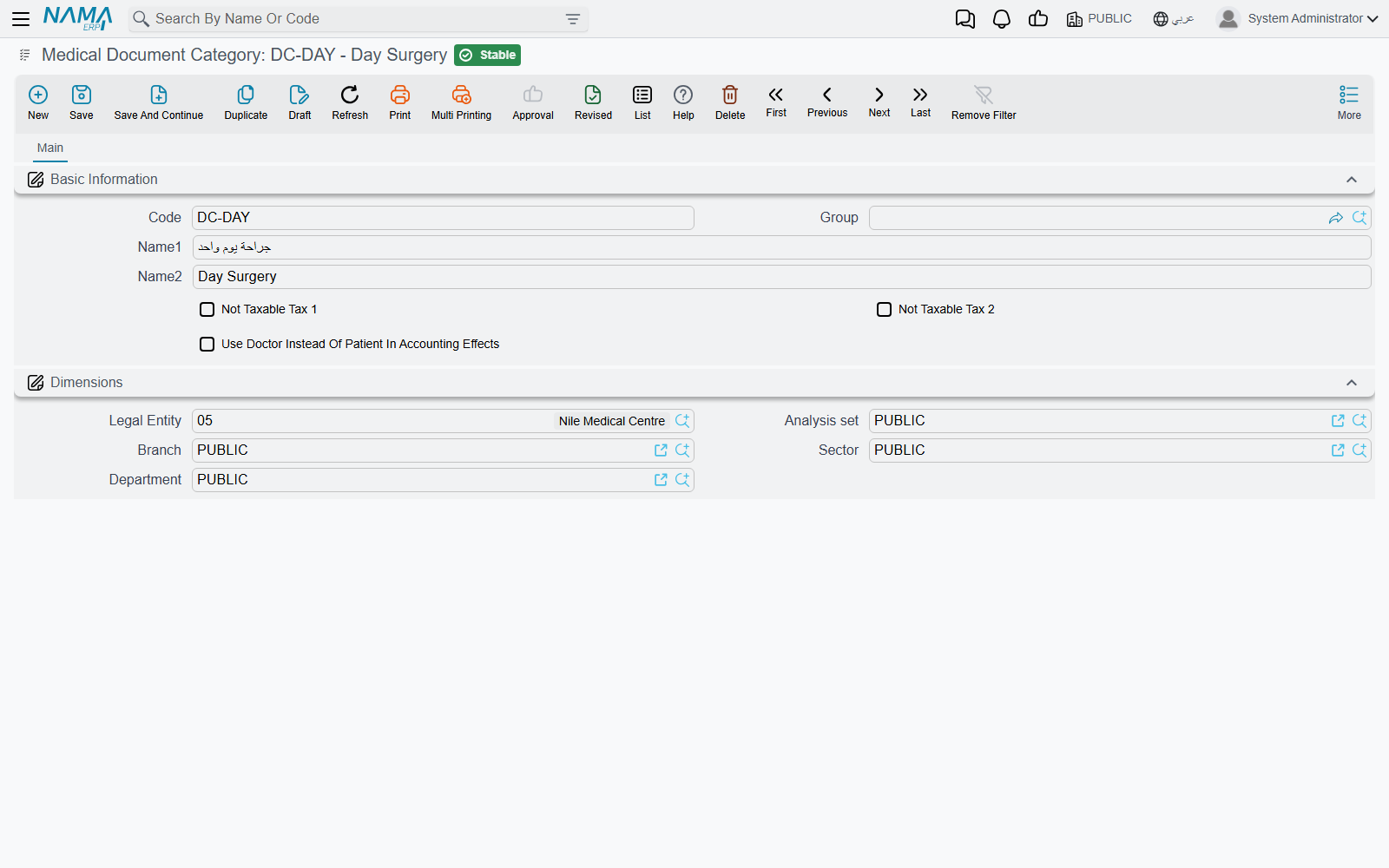
Medical Document Category — controls the tax and accounting behaviour of a whole class of documents: exempting them from Tax 1 or Tax 2, and choosing to use the doctor instead of the patient in accounting effects — handy for the doctor revenue-sharing model.
Other simple classifiers
The system also includes simple reference lists such as Procedure Type for classifying medical procedures. These are defined with just a code and name and used for classification.