
When a Document Has No Accounting Effect
Saving an accounting document does not write its journal entry there and then. The save raises a business request, and a background worker turns that request into the ledger entry a moment later. When the entry is missing, the request is what you look at.
How requests work, what each processing status means, how to find the failed ones and what Reprocess and Recommit each do is one page for the whole product: Business Requests. Read it first — nothing on this page repeats it.
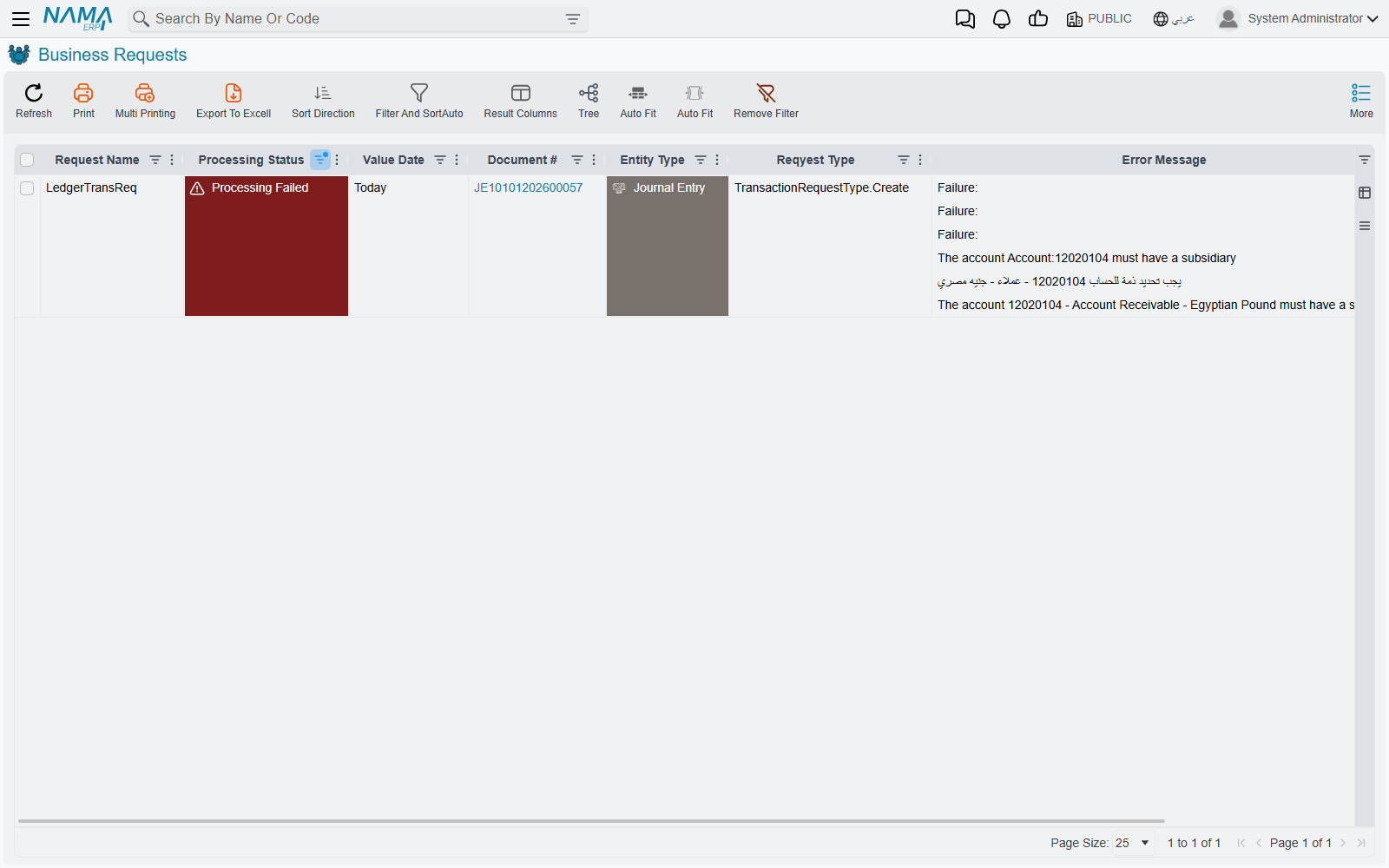
Two checks come before you go looking for a failed request, because in both cases there is none:
- Look at the document's status first. A document that is still a Draft or Approval Pending has raised no request at all — it is written down, not counted. It gets its entry when it is committed or approved. See The Life of a Document.
- A Processed request can have no entry behind it. When every account side the document term would write to is left empty, the request carries no lines. It still finishes Processed, writes no entry, and removes any entry the document had before. That is how a term says "this document has no accounting effect", so the fix is on the term: open its Effect tab — see Accounting Effects Configuration — and fill the sides. With the accounting configuration option Create System Transaction for Empty Lines ticked, an entry with no lines is written instead.
What is specific to accounting is the list of reasons a ledger request refuses:
- The period is closed. The document's date falls inside a closed accounting period — see Year-end and Period Control.
- A Prevent Accounting Transactions document covers it — the account, the subsidiary and the date range it names are all blocked while it is committed.
- The account is not ready. A subsidiary account with no party on the line, or an account whose balance nature is protected and would be broken by this entry — see Accounts.
- The document term is incomplete. A side the term needs has no account on it, so there is nowhere to record the amount.
Each of these is fixed on the thing that caused it, not on the request. Fixing the cause does not retry anything by itself: the request stays failed until somebody reprocesses it.
The bulk reprocessing tool is not this
The administrative utilities that rebuild the whole ledger are recovery instruments for a database whose balances are already wrong, run under supervision and with a backup in hand. A single document with no entry is never a reason to reach for them — it is a single request on the Business Requests screen.
The options that govern processing tolerance and closing with unprocessed transactions are catalogued in Accounting Configuration.